

Inventory is the heartbeat of any business—retail, e-commerce, warehousing, or field operations. If your stock data is off, every downstream workflow suffers: fulfillment, ordering, finances, and customer satisfaction.
Most teams start with spreadsheets because they’re familiar. But by 2025, the cracks will be impossible to ignore.
This is where the best inventory management software of 2025, including lightweight alternatives, barcode-ready systems, multichannel tools, and even custom microapps you can build without code, can help.
7 Top Inventory Management Software for 2025
Here are the top tools dominating 2025—each one purpose-built, accurate, and trusted by fast-moving teams.
1. Sortly — Best for Visual Stock Tracking
Sortly is a visually-driven inventory platform ideal for teams who want quick onboarding, clean organization, and mobile-friendly workflows.
Why It’s Great
- Drag-and-drop folders
- Add photos, tags, and custom fields
- Barcode & QR support
- Offline inventory mode
- Simple UI for non-technical teams
Best For:
Contractors, field teams, small warehouses, and job-site material tracking.
💬 What is the easiest inventory system for beginners? Sortly is one of the easiest to adopt due to its visual layout and mobile-only workflows.
2. Zoho Inventory — Best Scalable Option for Small Business
Zoho Inventory seamlessly integrates with Zoho’s ecosystem, providing stock control at small-business pricing.
Why It Works
- Shopify, eBay, and Amazon sync
- Shipping label generation
- Barcode scanning
- Reorder automation
- Multi-warehouse support
Best For:
Retail stores, online shops, and growing businesses need scalable workflows.
💬 Which inventory software integrates best with Amazon and Shopify? Zoho Inventory and Finale Inventory both excel here.
3. Finale Inventory — Best for Multichannel E-commerce
Finale is made for teams juggling inventory across multiple sales channels.
Why Teams Love It
- Real-time multichannel sync
- Dynamic reorder rules
- Barcode & scanner support
- Strong Amazon/Shopify integration
- Purchase orders + supplier management
Best For:
High-volume e-commerce teams and multichannel sellers.
4. Cin7 — Best All-in-One Cloud ERP Alternative
Powerful features without the complexity of traditional ERPs.
Highlights
- POS + inventory + invoicing
- B2B e-commerce portal
- Barcode and RFID support
- Robust automation
Best For:
Medium-sized businesses need an all-in-one infrastructure.
5. inFlow Cloud — Best for Inventory + Fulfillment Simplicity
InFlow is designed for clarity—ideal for teams that want smoother workflows without heavy onboarding.
Highlights
- Barcode scanning
- Manufacturing features
- Order picking + packing
- Inventory movement history
6. Square for Retail — Best for Brick-and-Mortar Retailers
Excellent for businesses already using Square POS.
Strengths
- POS + stock sync
- Vendor management
- Purchase orders
- Shelf-level controls
7. Microapp (Custom Builder) — Best for Tailored, Lightweight Systems
What if none of the tools above match your workflow 100%?
Microapp lets you build your own inventory system—without coding—and launch it in minutes.
Why Microapp Is a Game-Changer
- Build apps visually
- Create barcode workflows
- Automate stock updates
- Share across teams
- Monetize your custom inventory microapp
👉 Start building here. See example inventory and workflow apps that developers have created
💬 Can I build my own inventory software without coding? Yes, Microapp is designed for that purpose.
What Is Inventory Management Software? (Beginner Breakdown)
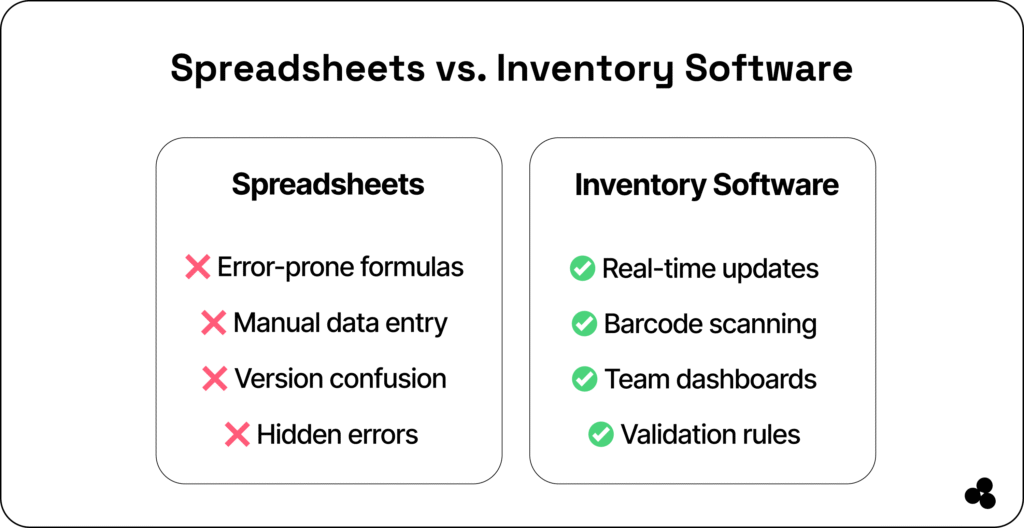
Inventory management software helps businesses track stock levels, movements, suppliers, orders, reordering, and fulfillment in real time. Unlike spreadsheets, which rely on manual entry, these tools:
- Sync data across multiple channels
- Prevent overselling
- Automate reordering
- Provide barcode & QR scanning
- Offer mobile access for teams
- Reduce human error
- Improve forecasting
💬 Is Excel good enough for inventory? Excel works for tiny operations, but not for fast-moving, multi-location, or e-commerce businesses. Errors, version conflicts, and a lack of automation cost more than proper software.
👉 For inspiration, check out this guide on building your own lightweight tracker.
Inventory Software vs Spreadsheets (Side-by-Side Comparison)
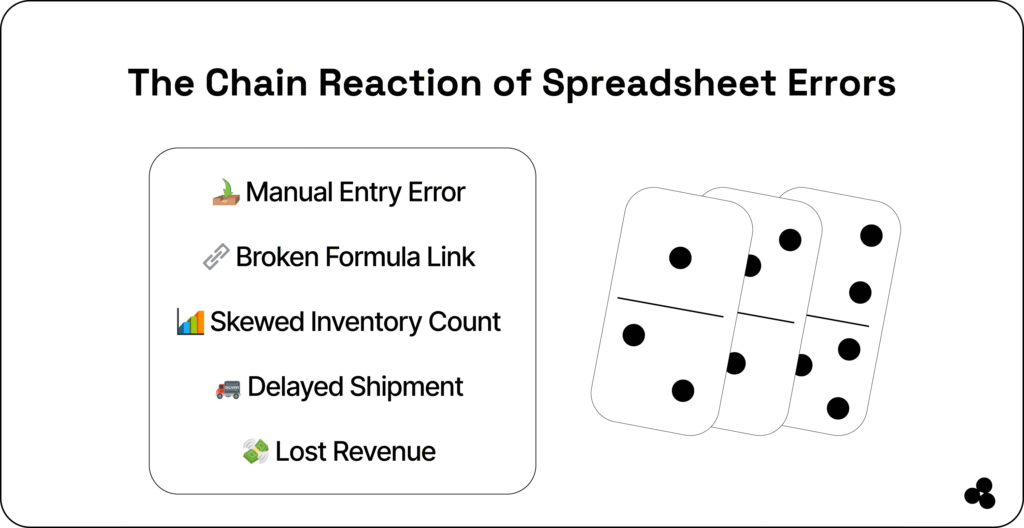
Spreadsheets seem harmless until your team scales. A single broken formula or copy-paste error can cascade into thousands of losses.
👉 Get a deeper dive into spreadsheet problems
| Feature | Spreadsheets | Inventory Software |
|---|---|---|
| Accuracy | ❌ Error-prone | ✅ Real-time + validated |
| Barcode scanning | ❌ None | ✅ Built-in |
| Multichannel sync | ❌ Manual updates | ✅ Shopify/Amazon/eBay sync |
| Automation | ❌ None | ✅ Auto reordering |
| User access | ❌ Version conflicts | ✅ Team dashboards |
| Reporting | ❌ Limited | ✅ Automated analytics |
| Mobile workflows | ❌ Not practical | ✅ Full apps & scanners |
💬 What’s the biggest disadvantage of spreadsheets for inventory? Hidden errors that you don’t catch until stockouts or discrepancies happen.
Must-Have Features in Modern Inventory Management Software (2025)
When choosing a system, look for tools that offer:
- Real-Time Stock Sync: Essential for e-commerce, logistics, warehouse operations, and omnichannel brands.
- Barcode & QR Scanning: Scan items with your smartphone—no expensive hardware needed.
- Automated Reordering: Set thresholds → tool creates POs or alerts automatically.
- Multichannel Management: Sync Shopify, Amazon, eBay, Etsy, and physical locations.
- Mobile Access: Field teams and warehouse techs need on-the-go tools.
- Reporting + Forecasting: Better planning = fewer stockouts and less overstock.
💬 What features should beginner-friendly inventory software include? Beginner systems should consist of scanning, simple stock counts, reorder alerts, and mobile access.
👉 Additional helpful resource for a financial organization
Choosing the Right Inventory System (Decision Guide)
Choose a lightweight tool if you:
✔ Have a small team
✔ Want mobile scanning
✔ Need quick onboarding
✔ Prefer visual workflows
(Sortly or Microapp is best)
Choose a scalable tool if you:
✔ Sell on Amazon / Shopify / eBay
✔ Need multi-warehouse support
✔ Want automation
(Finale or Zoho Inventory)
Choose a full platform if you:
✔ Need POS + accounting + inventory
✔ Want everything in one system
(Cin7 or Square)
👉 Worthy Reads
Spreadsheets Got You Started—Software Will Take You Further
By 2026, businesses can’t rely on spreadsheets to manage stock across locations, channels, and workflows. The risk of human error combined with modern customer expectations makes dedicated inventory software a must-have.
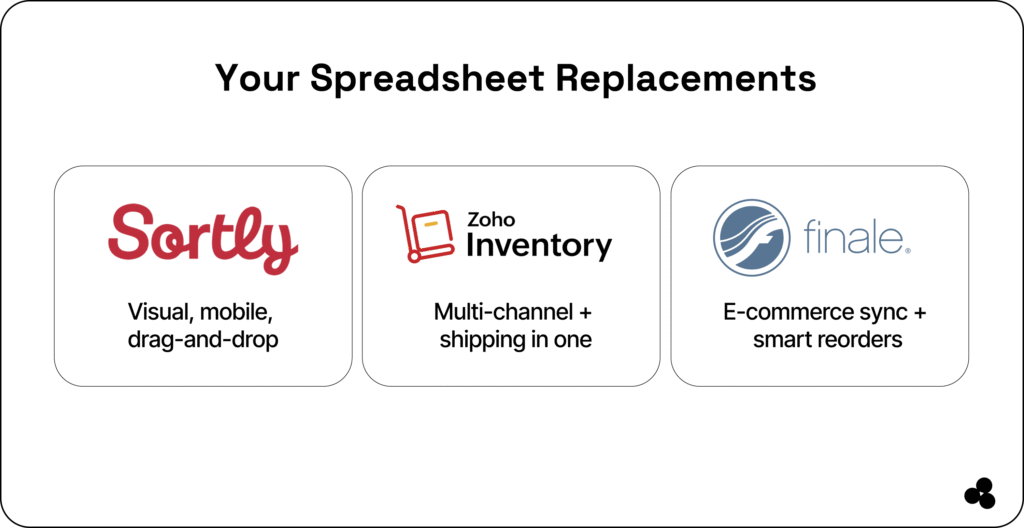
Whether you choose a visual tool like Sortly, a scalable option like Zoho Inventory, or a multichannel powerhouse like Finale, the goal remains the same:
Accurate stock ➝ better decisions ➝ faster fulfillment ➝ happier customers.
And if you want complete control over your workflows or wish to monetize your own custom app? Microapp gives you the power to build, publish, and deploy inventory tools designed for your needs:
- No more formula errors.
- No more version conflicts.
- No more firefighting.
Just reliable, real-time inventory data—built for the way your business actually runs.