
Managing multiple social media accounts can quickly become overwhelming. Writing posts, scheduling, and tracking them across platforms eats into your valuable time.
A focused social media scheduler app is key for lean teams to stay productive without juggling bloated tools.
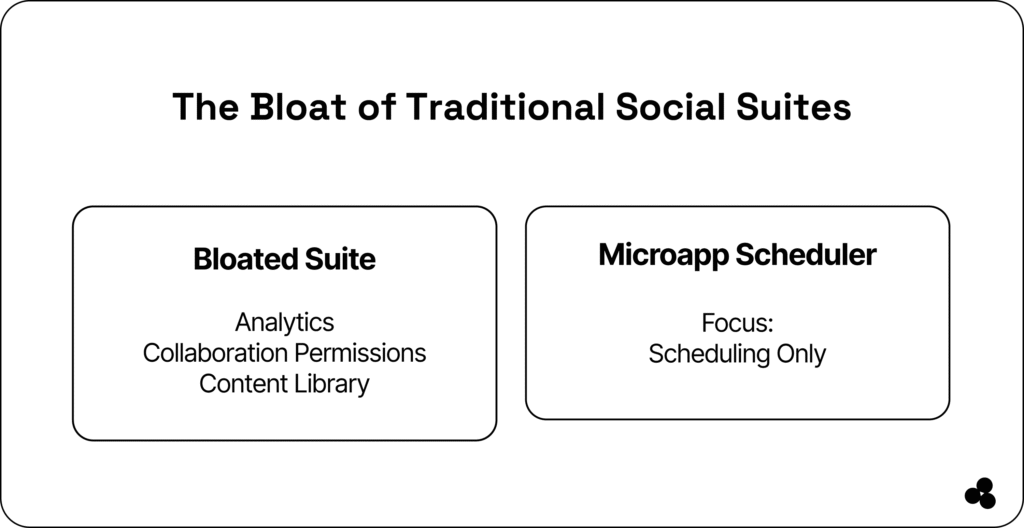
Traditional social media suites pack features like analytics, content libraries, team chat, and permissions, but most small teams never use half of them. This adds cost and complexity, slowing down the workflow.
A lightweight social media scheduling app from Microapp lets you write, schedule, and post quickly, with zero distractions and unnecessary features.
The Problem With Traditional Social Suites
In the past, all-in-one social media suites were the answer. Today, they’re often the problem.
Modern marketing teams need speed, but bulky platforms with scheduling, listening, analytics, team chat, and more create slow, expensive, and overwhelming experiences.
| Feature | Traditional Social Suite | Scheduler Microapp |
|---|---|---|
| Scheduling Posts | ✅ Yes | ✅ Yes |
| Analytics Dashboards | ✅ Advanced but bloated | ❌ Focus on scheduling only |
| Team Collaboration Tools | ✅ Built-in (often overkill) | ❌ Use your existing stack |
| Content Library | ✅ Often bundled | ✅ Optional via file upload |
| API Bloat / Overhead | ⚠️ High | ✅ Minimal & focused |
| Learning Curve | ❌ Steep | ✅ Simple, built for speed |
| Cost | 💸 Subscription, per seat | 💰 Flat, low-cost Microapp pricing |
| Maintenance | ❌ Requires updates/integration | ✅ Lightweight or no-code |
📄 Microapps eliminate bloat and let teams focus on a single task—posting content efficiently.
👉 Learn how to optimize tracking by checking out best practices for UTM parameters and using these inventory trackers for small businesses.
The Rise of Lean, Focused Tools
Single-purpose tools dominate productivity because they:
- Focus on one job and do it exceptionally well
- Eliminate bloat and reduce decision fatigue
- Train teams faster
- Cost less to maintain, upgrade, and replace
Microapps are the modern equivalent: lightweight apps that serve one purpose, integrate seamlessly, and scale as needed.
For social scheduling, a Microapp social media scheduler app delivers exactly what you need, nothing more, nothing less.
What a Social Scheduler Microapp Looks Like
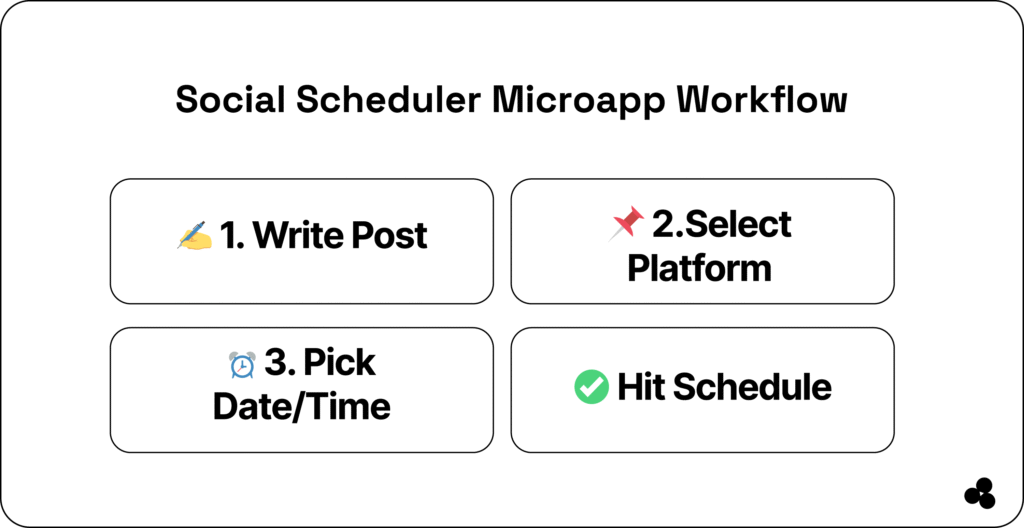
Your Microapp doesn’t need to reinvent the wheel. It should let you:
- Write a post
- Schedule it for a specific time
- Queue or publish with one click
Optional extras: media upload, preview, or simple cross-platform posting via APIs—but none should add clutter or slow you down.
Sample UI Flow:
- Add post text
- Select platform (Twitter, LinkedIn, etc.)
- Pick date & time
- Hit Schedule
👉 Worthy Reads:
Social Media Scheduler App With Microapp
How to Build or Deploy One in Under an Hour
You don’t need a dev team or months of planning. You need a simple app builder mindset.
Here’s how to launch it fast:
Sample Tech Stack
- Frontend: HTML, TailwindCSS
- Logic: Vanilla JS or Alpine.js
- Backend: Firebase / Supabase / Google Sheets
- PDF Export: Not needed (it’s live posts, not invoices!)
- APIs: Twitter API, LinkedIn API (OAuth 2.0)
- Deployment: Netlify or Vercel
Deployment Steps
- Clone a starter repo or use a no-code builder (e.g., Glide, Tally, Pory).
- Customize the scheduler logic.
- Test on staging (even locally).
- Upload your app to the Microapp platform.
- Write a persuasive listing. Here’s an example:
👉 Learn how to price your Microapp to benefit from passive income.
Sample Microapp Store Listing
- Name: Lean Social Scheduler
- Type: Marketing Microapp
- Audience: Startup founders, content leads, solopreneurs
- Description: A distraction-free scheduling tool for Twitter, LinkedIn, and Instagram. Write, schedule, and post in under 60 seconds.
- Why It’s Different:
- Built for lean teams
- Zero analytics, zero learning curve
- One flat price, forever
- Pricing: One-time $15 or free for one social account
- Tags: #simpleappbuilder #lightweighttools #socialmediaschedulerapp
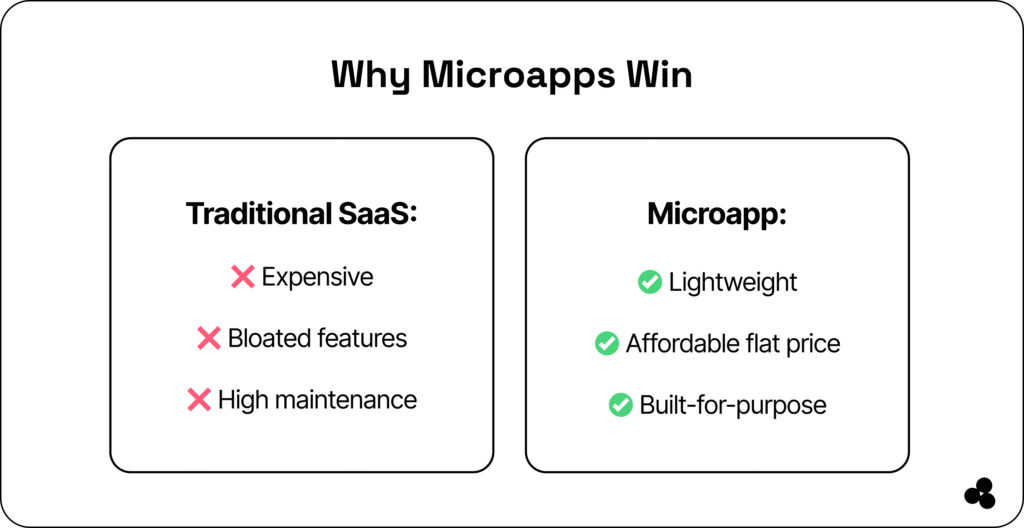
Why Microapp Wins Over Traditional SaaS
- Focus on a single task
- No dashboards, no bloat
- Flat pricing with no hidden fees
- Rapid deployment
📄 Tip: Browse Microapp to see pre-built scheduling apps or create your own with Microapp Creator.
👉 Learn about broader marketing technology trends to understand why single-purpose apps are dominating the landscape.
Take Control of Your Social Scheduling
Stop paying for features you’ll never use. Start using or building a social media scheduler app with Microapp:
- Build what you need
- Browse what others have simplified
- Pay less, launch faster, maintain nothing
🚀 Try a lightweight Microapp scheduler today and regain control of your marketing workflow.
FAQs
What does a social media scheduler app do?
A social media scheduling app lets you plan, automate, and publish posts across platforms from a single dashboard. It helps save time and ensures you stay consistent with your posting schedule.
Why should small businesses use a social media scheduler app?
It removes the stress of posting manually every day and keeps your brand visible even when you’re busy. Businesses also benefit from analytics and performance insights that guide better content planning.
Can a scheduler improve my social media engagement?
Yes, because scheduling lets you post when your audience is most active. This leads to more reach, improved engagement, and stronger visibility.
What features should I look for in a social media scheduler app?
Look for multi-platform support, analytics, auto-posting, content recycling, and an easy drag-and-drop calendar. Collaboration and AI-powered content suggestions can also boost productivity.