
Employee onboarding is one of the most essential parts of the hiring process, yet many teams still rely on email threads, scattered PDFs, and manual checklists. This slows down HR, creates inconsistent experiences, and leaves new hires confused on day one.
That’s where employee onboarding software becomes essential. These tools streamline tasks, automate reminders, centralize information, and help new hires hit the ground running.
If you’re a small business, startup, or HR team looking for a lightweight solution, you’ll find everything you need in this guide — including how to build your own onboarding software using Microapp, without writing a line of code.
Top 5 Employee Onboarding Software (2025)
1. BambooHR (Great for Small HR Teams Wanting Automation)
BambooHR is a complete HR suite that includes onboarding flows, document signing, and self-service checklists.
While less customizable than Microapp, it’s excellent for small businesses that want automation included. It also integrates well with payroll and performance management systems.
If you’re building a Microapp onboarding tool, BambooHR is a good benchmark for the automated reminders and task logic you might want to replicate.
2. Rippling (Best for Growing Teams Needing Deep Integrations)
Rippling offers employee onboarding tied directly to IT provisioning, device setup, and HR actions.
A new hire can get access to tools, apps, and equipment automatically from day one. This makes Rippling ideal for hybrid or remote teams with more complex technical onboarding needs.
Developers creating onboarding microapps often look to Rippling for inspiration around automation and real-time triggers.
3. Workday (Enterprise-Level Power With Heavy Automation)
Workday is designed for large organizations with advanced reporting requirements.
Its onboarding module can handle multi-stage workflows, global compliance, localized documentation, and deep analytics. Though it isn’t beginner-friendly, it sets the standard for enterprise onboarding.
For creators using Microapp, Workday’s multi-path onboarding flows are a good reference for designing conditional logic screens.
4. ClickUp (Best Flexible Option — Templates & Automations for Onboarding)
ClickUp is not a dedicated onboarding product, but its templates, automations, and task workflows make it a powerful choice for teams that already use ClickUp for project management.
Use ClickUp onboarding templates to create task-driven flows, and add automations to move new hires through stages.
5. Microapp (Best for Building Custom, No-Code Onboarding Apps)
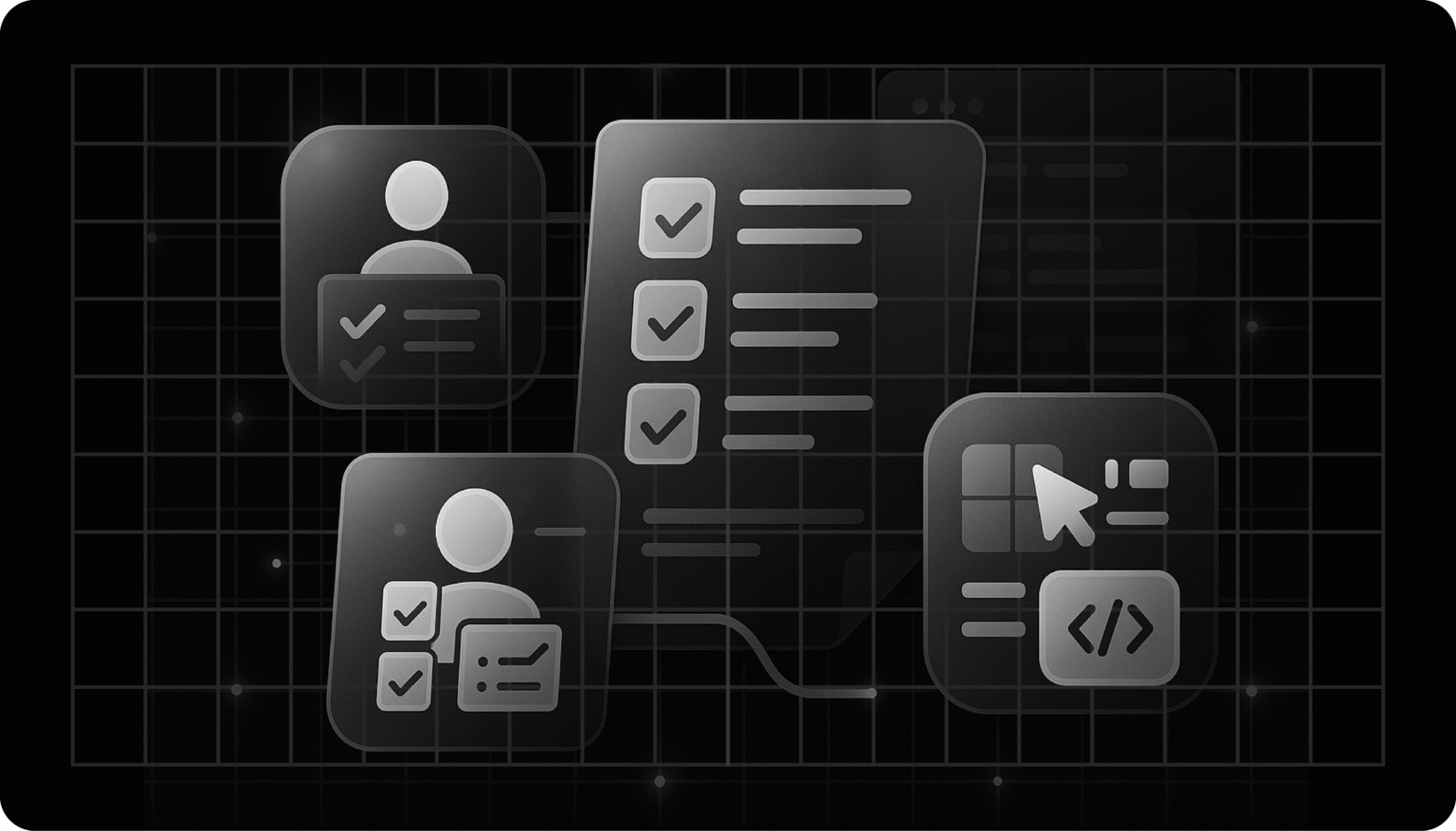
Microapp lets you build a fully personalized onboarding system with conditional logic, progress tracking, and branded UI — all without coding. Instead of relying on rigid software templates, you can create an onboarding microapp that adapts to each role, department, or location.
Because Microapp is modular, it’s also ideal for teams that need flexibility, startups that iterate often, or developers looking to package and sell onboarding tools as passive-income microapps.
👉 If you’re running a small business, explore other helpful tools in this guide to HR software for small businesses.
What Is Employee Onboarding Software?
Employee onboarding software is a digital tool that helps new hires complete required tasks, training, and documentation in a structured, guided way. It replaces emails, spreadsheets, and manual workflows with streamlined checklists, automation, and progress tracking.
A strong onboarding tool increases retention, improves productivity, and ensures no steps are missed.
Why Businesses Need Employee Onboarding Software
Manual onboarding creates bottlenecks and confusion. According to industry research, structured onboarding boosts productivity by over 60% and improves new-hire retention by over 50%
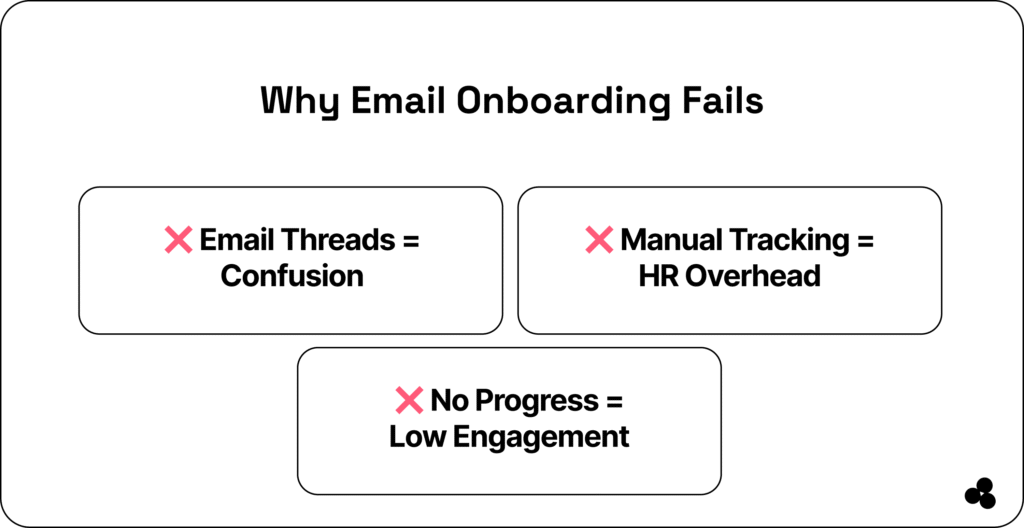
Common problems with email-based onboarding:
- No progress tracking
- No personalization
- Hard to trigger next steps
- HR must follow up manually
- No brand consistency
- No automation or reminders
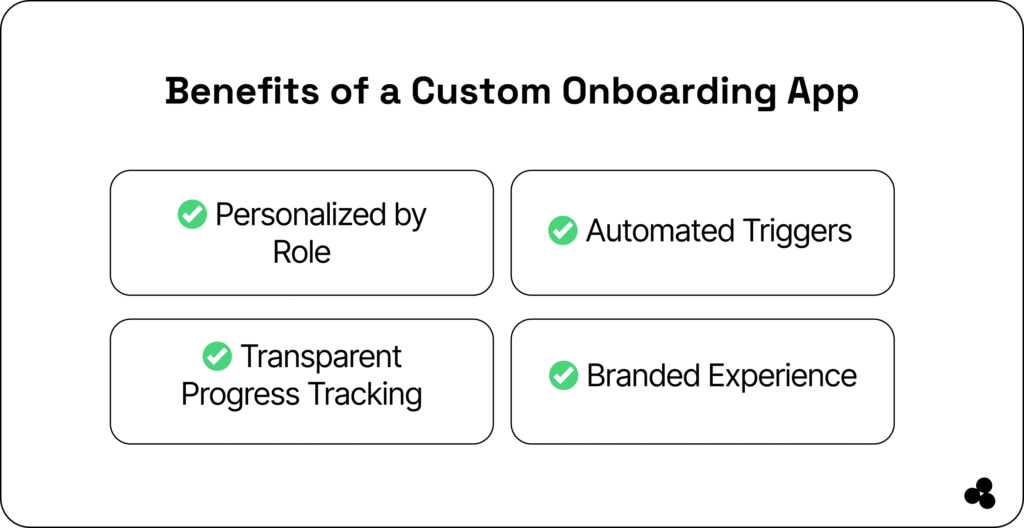
When you use dedicated onboarding software — especially a customizable microapp — you deliver a smooth, branded, and interactive employee experience.
👉 Check out the best email marketing tools
Key Features to Look For in the Best Employee Onboarding Software
A strong onboarding tool should:
- Provide step-by-step task flows
- Support e-signatures & document uploads
- Personalize content based on role
- Offer automated triggers & reminders
- Deliver progress visibility for HR
- Integrate with calendars or HR tools
- Match your brand style
- Scale across teams
Related reads:
👉 Performance Review Software
👉 Resume Parsing Tools
Sample Microapp Onboarding Checklist (Dynamic & Role-Based)
Microapp lets you build an onboarding system that automatically adjusts. Here’s a sample structure:
| Step | Task Type | Trigger | Personalized For | Visibility |
|---|---|---|---|---|
| Welcome Message | Text + Video | Displays on login | All hires | Everyone |
| Sign Contract | File Upload + Signature | Unlocks Team Intro | All hires | Private |
| Meet the Team | Video Embed | After contract signed | All hires | Public |
| Set Up Tools | Checklist | Unlocks Department Setup | All hires | Private |
| Marketing Packet | PDF + Quiz | Only if role = Marketing | Marketing | Private |
| Engineering Setup | Interactive | Only if role = Engineer | Engineering | Private |
| Book Manager 1:1 | Calendar | After 75% complete | All hires | Private |
| Feedback Form | Survey | Final step | All hires | Private |
Developer Tip:
Use conditional logic like:
- If department = X, show module Y
- If the task is incomplete after 3 days, trigger a reminder
- If role = engineer, show API setup
This gives you a modern onboarding system that feels guided and personalized — unlike static email chains.
How to Build Employee Onboarding Software With Microapp (No Code)
Here’s the whole workflow in under an hour:
1. Sign in to Microapp → https://creator.microapp.io/
2. Create a new onboarding microapp: Choose a checklist template or start blank.
3. Define your data tables
- Users
- Tasks
- Onboarding flows
4. Build UI screens
- Welcome screen
- Task list
- Completion dashboard
- Manager view
5. Add logic & triggers
Examples:
- Require a file upload before unlocking the next step
- Auto-send reminders
- Show specialized tasks by role
6. Test with a dummy user
7. Publish & share: Embed it in your HR portal, share via link, or deploy internally.
Brand It, Automate It, and Make It Yours
Microapp lets you:
- Add logos, colors, and branding
- Customize task flows by team
- Create reusable templates
- Assign managers or HR roles
- Track progress effortlessly
Monetize Your Onboarding Microapp
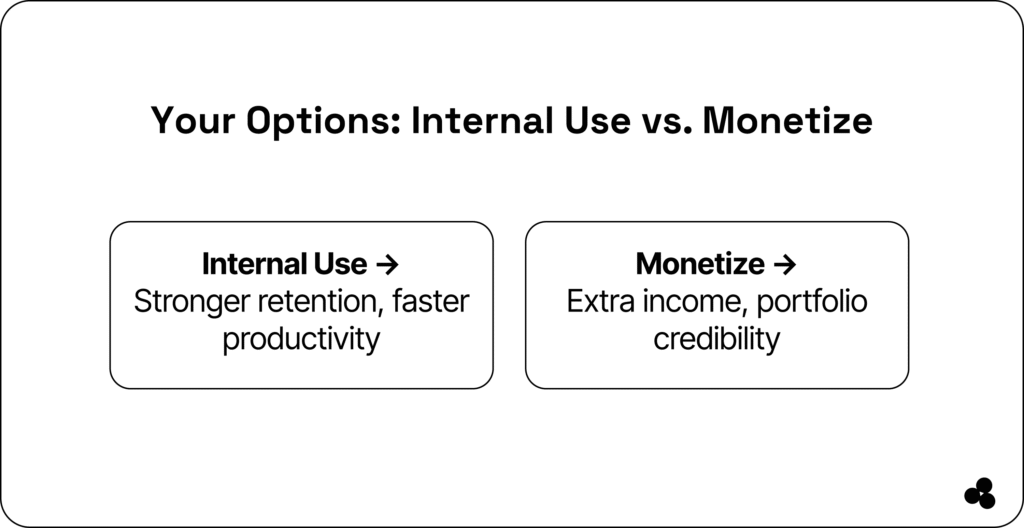
Your onboarding software can be:
- Sold as a template
- Offered as a paid microapp
- Used internally across teams
- Packaged with HR consulting
- A passive income tool for developers
Microapp makes publishing, listing, and distributing your microapp simple.
Take Control of Your Onboarding Experience
Employee onboarding software is essential for any business that wants consistent, scalable, and engaging new-hire experiences.
Instead of relying on bloated SaaS tools or messy email chains, you can build a branded onboarding microapp that’s simple, fast, and uniquely tailored to your team.
Whether you’re an HR manager or a developer looking to create a marketable tool, Microapp gives you complete control.
Start building smarter onboarding flows today. 👉 Microapp
FAQs
What is employee onboarding software?
Employee onboarding software helps new hires complete tasks and training through a structured, trackable digital process. It replaces emails, PDFs, and manual workflows with guided checklists and automation.
Why is onboarding software important?
It improves new-hire productivity, consistency, and engagement. Sound systems reduce HR workload and improve the first-day experience.
Can onboarding software improve retention?
Yes, structured onboarding improves long-term retention by over 50%. A clear process helps new hires feel supported from day one.
Is it hard to build onboarding software without coding?
Not with Microapp. You can create onboarding flows, screens, and triggers in minutes using simple drag-and-drop tools.