
Safety inspections shouldn’t slow you down; they should speed up your team’s ability to prevent risks and comply.
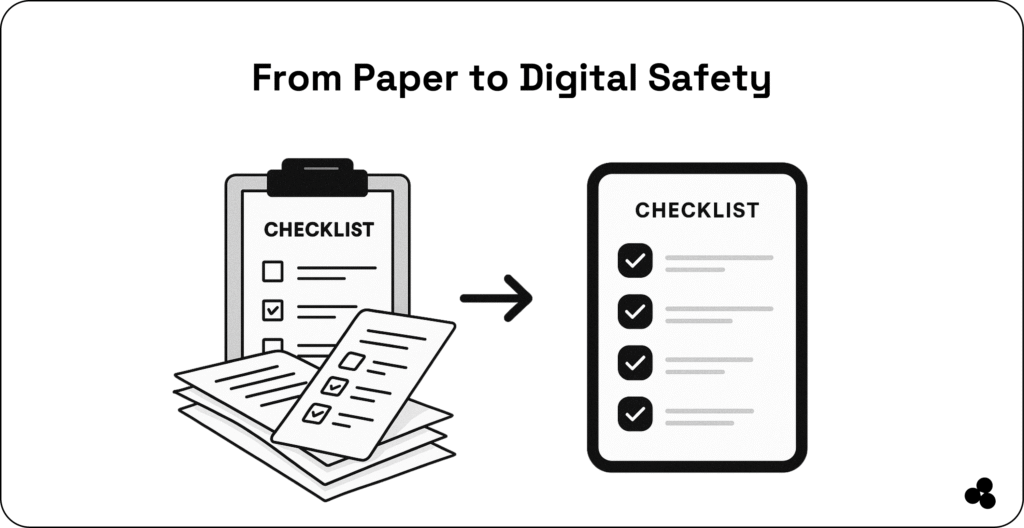
Yet, paper checklists, inconsistent reporting, and audit prep still steal days from every project.
Our guide walks you through the 10 best safety inspection software options for construction leads and safety managers, explaining how each works and why it’s trusted in the field.
Discover how Microapp helps you create tailored inspection workflows without the expense of SaaS.
10 Best Safety Inspection Software in 2025
1. SafetyCulture (iAuditor)
| Category | Details |
|---|---|
| How It Works | Mobile-first platform allowing inspections via smartphone or tablet: 100,000+ pre-built templates or an AI template generator for custom forms. |
| Why Use It | Trusted globally, particularly in construction, for flexibility, scale, and visual reporting. |
| Key Features | AI-generated checklists, task tracking, analytics dashboards, and offline inspection support. |
| Pros | Extensive template library, mobile-first UX, robust automation, and integrations. |
| Cons | Scheduling is limited to inspections, and higher pricing applies to advanced features. |
| Field Tips | Use AI to generate toolbox talk templates, pre-define issue categories, and train teams with built-in modules. |
2. Fieldwire
| Category | Details |
|---|---|
| How It Works | Field-focused app with checklist management, blueprint markups, and task assignments for real-time inspections. |
| Why Use It | Ideal for teams coordinating tasks with project drawings and operators. |
| Key Features | Blueprint markup, task assignment, offline access, real-time notifications |
| Pros | Visual plan-based workflow, easy delegation, offline support |
| Cons | Limited pre-built templates, no AI forms or analytics |
| Field Tips | Upload site plans by phase, use color-coded task status, and attach photos for context. |
3. Procore Safety Management
| Category | Details |
|---|---|
| How It Works | Safety module within Procore’s project platform. Builds templates, captures photos, and syncs inspections with dashboards. |
| Why Use It | Connects inspections to project timelines, equipment logs, and compliance workflows. |
| Key Features | Customizable forms, real-time photo capture, integrated schedules and RFI logs, automated reporting |
| Pros | Deep project integration, excellent reporting, good for medium-large firms |
| Cons | Higher cost, steeper learning curve |
| Field Tips | Link inspections to daily logs, use photo markup tools, and bootstrap templates for faster adoption. |
👉 Procore
4. eCompliance
| Category | Details |
|---|---|
| How It Works | Mobile inspection tools with incident tracking and behavior-based safety monitoring. Focuses on compliance and accountability. |
| Why Use It | Ideal for teams where audit-ready documentation is essential. |
| Key Features | Project-specific checklists, automated task assignments, incident tracking, and real-time dashboards |
| Pros | Strong compliance focus, easy to use, and good document retention |
| Cons | Limited offline support, per-location pricing may rise |
| Field Tips | Categorize issues by severity, set auto-reminders, and track compliance percentages via dashboards. |
5. VComply Safety Module
| Category | Details |
|---|---|
| How It Works | Embedded in VComply’s risk-compliance platform, it creates daily inspections, uploads photos, and auto-assigns action tasks. |
| Why Use It | When safety audits must align with broader compliance workflows. |
| Key Features | Daily/weekly inspection templates, mobile checklists, task automation, compliance dashboards |
| Pros | Lightweight UI, mobile-centric, automated accountability |
| Cons | Less depth than full-scale tools, fewer advanced analytics |
| Field Tips | Build start-of-day and end-of-day templates, use dashboards for comparisons, and integrate with incident management. |
👉 VComply
6. GoCanvas
| Category | Details |
|---|---|
| How It Works | Digitizes forms and checklists for mobile field inspections. Data syncs instantly for reporting. |
| Why Use It | Good for teams replacing paper forms with automated workflows. |
| Key Features | Mobile forms, offline entry, photo capture, workflow automation |
| Pros | Easy to use, supports offline mode, versatile across industries |
| Cons | Pricing scales with form submissions, limited analytics |
| Field Tips | Preload templates for repetitive inspections, attach photos to validate issues, integrate with cloud storage |
👉 GoCanvas
7. Safety Reports
| Category | Details |
|---|---|
| How It Works | Mobile-first platform for creating and completing inspections with reporting. |
| Why Use It | Streamlines inspection reporting for small to medium teams. |
| Key Features | Custom checklists, photo evidence, task assignments, and offline support |
| Pros | Simple interface, quick setup, cloud storage |
| Cons | Limited integrations, smaller template library |
| Field Tips | Use pre-defined checklist categories, schedule automatic follow-ups, review trends weekly |
8. Lumiform
| Category | Details |
|---|---|
| How It Works | Inspection software with digital checklists and team accountability features. |
| Why Use It | Focused on compliance-heavy industries with mobile and offline capabilities. |
| Key Features | Custom templates, photo capture, automated follow-ups, analytics dashboards |
| Pros | Intuitive UI, good offline support, strong compliance tracking |
| Cons | Limited advanced reporting, mid-tier pricing for full features |
| Field Tips | Automate recurring checklists, assign responsible staff, attach photos for audits |
👉 Lumiform
9. InspectAll
| Category | Details |
|---|---|
| How It Works | Mobile and web platform for inspection, safety, and maintenance management. |
| Why Use It | Excellent for multi-site teams needing standardized processes. |
| Key Features | Checklists, photo and video evidence, compliance reports, and offline access. |
| Pros | Multi-site management, user-friendly, and integrates with other apps. |
| Cons | May require onboarding for larger teams due to a limited free tier. |
| Field Tips | Standardize templates across sites, train team leads, and monitor metrics centrally. |
10. Jolt Safety & Compliance
| Category | Details |
|---|---|
| How It Works | Safety and operational compliance platform with digital forms, inspections, and workflows. |
| Why Use It | Ideal for restaurants, field teams, and small operations needing daily accountability. |
| Key Features | Digital checklists, photo capture, task assignment, reporting dashboards |
| Pros | Simple setup, mobile-first, team accountability |
| Cons | Limited industrial customization, fewer analytics than larger platforms |
| Field Tips | Create daily/weekly templates, track issue resolution, sync with team calendars |
👉 Jolt
Safety Inspection Tools: Comparison Table
| Tool | Best For | Strengths | Considerations |
|---|---|---|---|
| SafetyCulture | Large teams | AI, templates, analytics | Premium pricing |
| Fieldwire | Plan-based sites | Blueprint markup | Fewer templates |
| Procore | Integrated workflows | Full project sync | Complex onboarding |
| eCompliance | Compliance-heavy teams | Audit trails | Not great offline |
| VComply | Lightweight workflows | Simplicity | Basic analytics |
| Safety Reports | OSHA-driven work | Standards-based | Older UI |
| GoCanvas | Custom forms | Flexible builder | Pricing varies |
| InspectAll | Industrial | Barcode scanning | More complex setup |
| Jotform Enterprise | Fast builds | Automation | Not built only for safety |
| Microapp | Custom workflows | No-code + cheap | Requires simple setup |
The Real Cost of Paper-Based Safety Inspections
Field teams lose time, money, and accuracy due to manual workflows.
Here’s what recent studies show:
- Over 60% of inspection errors come from manual data entry (SenseTask)
- Average correction time is 3–4 hours per error
- Paper workflows increase audit prep time by up to 50%
- Automation cuts inspection time by 40–60% (Trifinance & ResolvePay data)
What Should Safety Inspection Software Include?
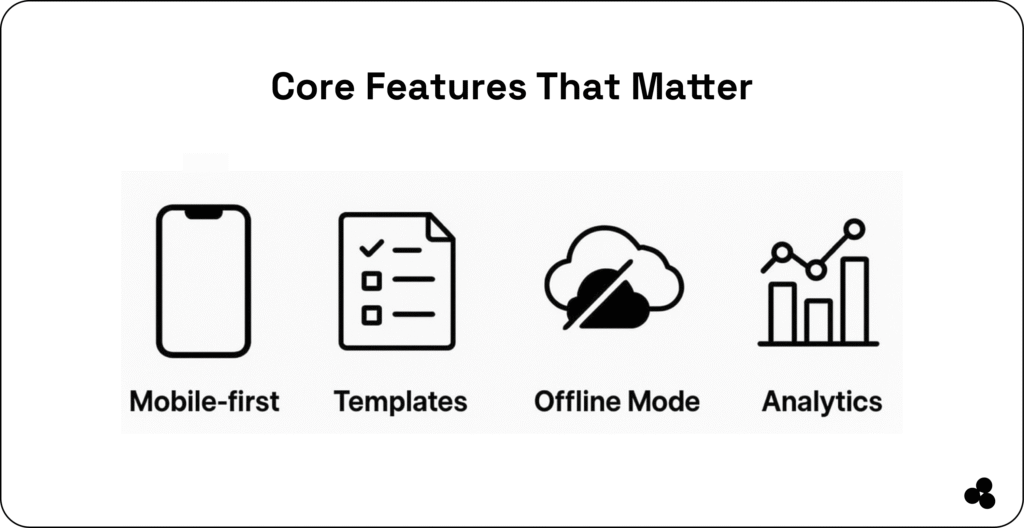
✔ What features matter most?
- Mobile-first design
- Offline mode
- Templates
- Photo evidence
- Action tracking
- Real-time dashboards
✔ How does safety inspection software reduce errors?
Manual inspection errors cost your teams hours, especially with lost forms, untagged photos, and missing details.
Tools reduce this by:
- Ensuring checklists are completed
- Providing photo-backed evidence
- Auto-assigning corrective actions
- Creating audit trails
✔ Why replace paper or spreadsheets?
They slow down audits, produce inconsistent data, and offer zero accountability.
👉 Add these seven construction cost estimator apps to your list.
How These Tools Reduce Audit Errors & Safety Risks
Safety inspection software helps:
- Build a documented audit trail
- Prevent overlooked checklist items
- Standardize documentation
- Provide timestamped data
- Auto-notify teams about hazard corrections
👉 Discover the top construction project management software.
Build Custom Safety Inspection Software Without Code
If off-the-shelf apps don’t fit your workflow:
- Microapp lets you create branded inspection apps.
- Build daily sign-offs, issue trackers, and compliance dashboards.
- Replace multiple SaaS subscriptions with a single, lightweight, easy-to-use tool.
This empowers field teams to digitize inspections, speed up audits, and stay compliant without heavy software costs.
👉 Discover the top construction site management software.
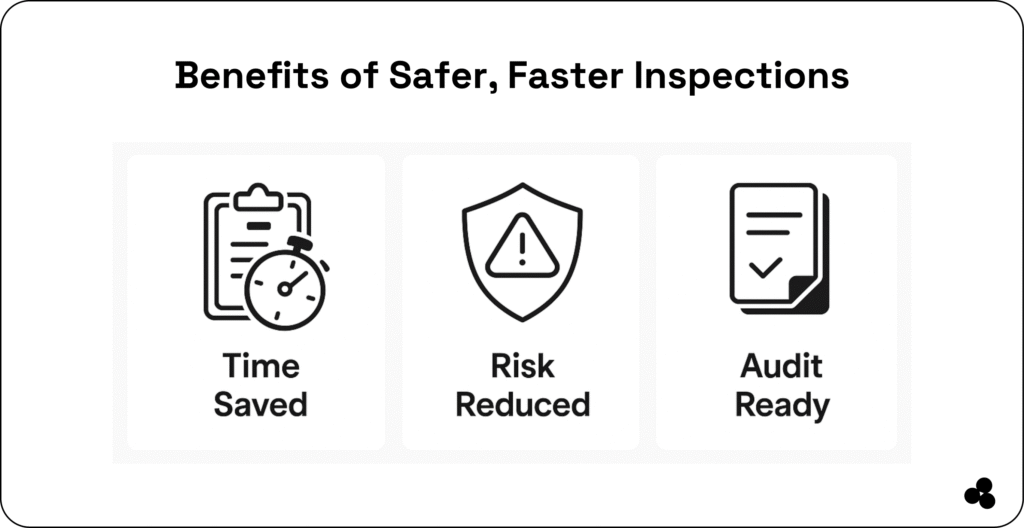
Make Your Field Teams Safer, Faster & Fully Audit-Ready
If you want dependable, mobile-friendly, and ready-to-deploy safety tools, any of these 10 options will level up your team’s inspections in 2025.
But if SaaS tools feel too expensive, too rigid, or too bloated?
👉 Build the safety inspection app your team actually needs, no coding, no SaaS bill, no training.
Try Microapp and digitize your inspections the smart way.