
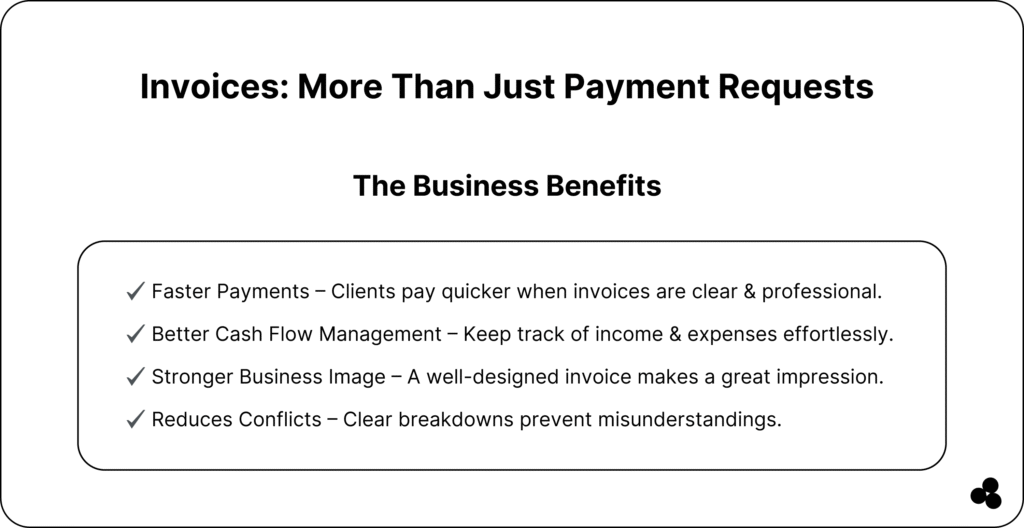
An invoice is more than just a document; it’s a vital tool for keeping your business organized, tracking revenue, and ensuring timely payment.
Whether you’re a freelancer, small business owner, or startup, understanding “what is an invoice” can simplify billing and improve cash flow.
In this guide, we’ll break down the components of an invoice, explore different types, show you how to write one, and provide practical templates and tools to make invoicing easy and efficient.
💡 Quick Takeaway: An invoice is a formal request for payment that includes the date, recipient, items, totals, and payment terms. Using the right tools can save you hours every week.
What Is an Invoice and Why Do They Matter
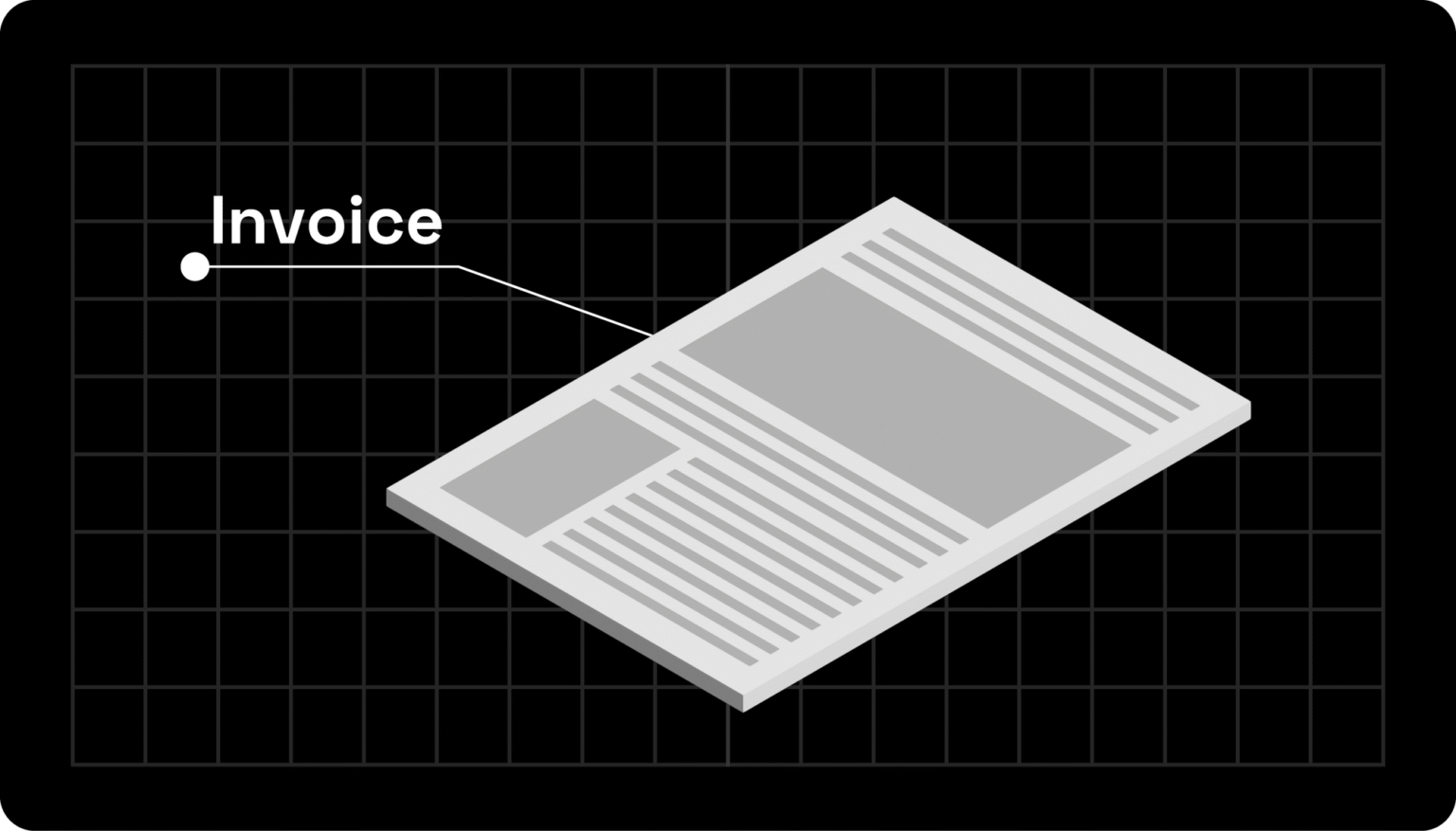
An invoice is a formal request for payment sent by a business to a client.
It ensures both parties are on the same page regarding the services or products provided, the amount due, and the payment deadline.
Invoices serve as legal documents and help maintain clear financial records for your business.
- Purpose: Request payment, track revenue, and maintain accounting accuracy.
- Difference: Invoices vs. receipts — invoices request payment, while receipts confirm receipt of it.
📚 Learn more about related financial planning: Check out What Is Time Value of Money and What Is a Good Profit Margin to understand how invoicing affects profitability and business strategy.
❓ What is an invoice used for? Invoices formally request payment, help track transactions, and serve as a legal record for businesses.
Components of an Invoice
A proper invoice includes essential elements to ensure clarity and compliance:
- Invoice Number & Date: Unique identifiers for easy tracking.
- Sender & Recipient Info: Your business name, address, and client info.
- Line Items: Products or services, quantity, unit price, subtotal.
- Taxes & Discounts: Any applicable fees or deductions.
- Total Amount Due & Payment Terms: Clear instructions for payment are provided.
- Optional Notes & Branding: Logos, messages, or special instructions.
💡 Tip: Always include a due date and payment instructions to avoid late fees.
📚 Learn more about what SQL is and how it works for financial planning.
What Types of Invoices Are There?
Different businesses use different invoice types depending on their workflow and client agreements:
Proforma Invoice
When to use: Before delivering goods or services, to outline expected costs.
Example: A supplier sends a proforma invoice to a client before shipping materials to confirm the price and quantities.
Recurring Invoice
When to use: For subscription services or ongoing projects.
Example: A marketing agency bills a client monthly for ongoing social media management.
Online Invoice
When to use: To send digital invoices via email or an invoicing platform.
Example: A freelancer sends an online invoice to a remote client for website design services.
Custom Template Invoice
When to use: For specialized projects or businesses with unique billing needs.
Example: A construction company uses a custom template that includes project milestones, labor hours, and materials used.
📚 Automate and plan finances efficiently with the Budget Planner App.
How to Write an Invoice Step-by-Step
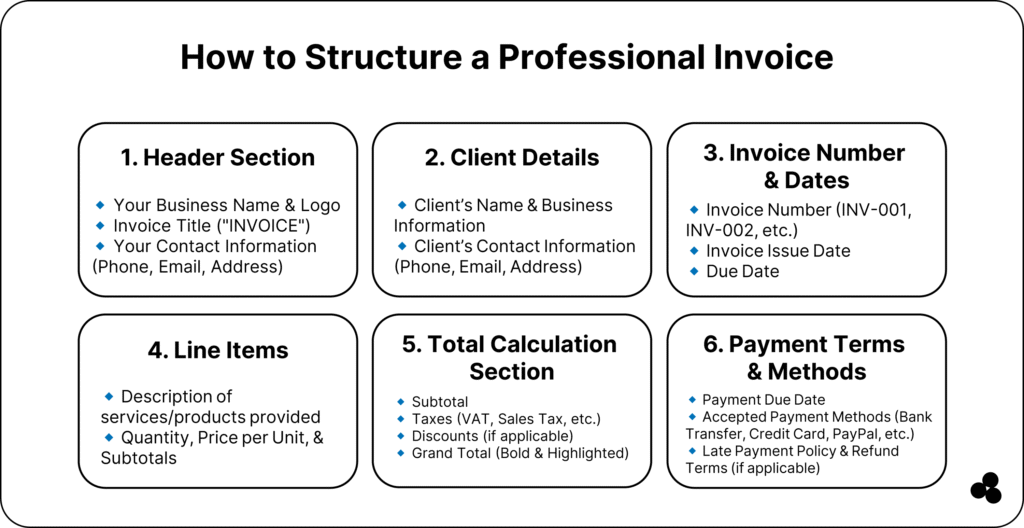
Creating an invoice doesn’t have to be complicated. Follow these steps, and tailor them to the type of invoice you’re sending:
1. Include Your Business Info
- What to include: Business name, logo, address, email, and phone number.
- Tip: Maintain consistent branding for a professional appearance.
Example: A freelancer sending an online invoice for a website project includes their logo and business email at the top for easy recognition.
2. Add Client Details
- What to include: Client name, company, email, and billing address.
- Tip: Double-check the spelling to avoid payment delays.
Example: A small business sending a proforma invoice to a new client includes full company details so the client can verify the quote before delivery.
3. List Products or Services
- What to include: Description, quantity, unit price, subtotal for each item.
- Tip: Be specific — vague descriptions can cause disputes.
Example: A construction company using a custom template invoice lists labor hours, materials used, and project milestones, making it clear what the client is being billed for.
4. Apply Taxes or Discounts (If Applicable)
- What to include: Sales tax, VAT, or any discounts you agreed on.
- Tip: Clearly separate these from the subtotal so clients understand the total charges.
Example: A SaaS company issuing a recurring invoice applies a 10% annual prepayment discount and notes it on the invoice for transparency.
5. Calculate Total Due Clearly
- What to include: Sum of all line items, taxes, discounts, and total payable.
- Tip: Highlight the total amount to prevent confusion.
Example: A freelancer sending an online invoice for a design project uses bold formatting to make the total stand out.
6. Add Payment Terms and Instructions
What to include: Due date, accepted payment methods, and late fee policy.
- Tip: Providing clear instructions reduces the need for follow-up emails and late payments.
Example: A marketing agency using a recurring invoice sets terms: “Payment due within 14 days of receipt via bank transfer or PayPal.”
7. Send and Track the Invoice
- Tip: Use automation tools or invoicing platforms to track when clients open and pay invoices.
- Recommended tools: Microapp Invoice Generator, QuickBooks
❓ How do I write an invoice for a recurring service? Use a clear description of the service period, total cost, and payment terms, and automate the process to save time and effort.
❓ Can invoices be customized for complex projects? Yes. Utilize custom templates to include project milestones, materials, and labor hours, ensuring clients receive complete transparency.
💡 Tip: For freelancers and small businesses, combining online invoices with automated reminders ensures timely payments and reduces administrative overhead.
📚 Explore: The Best Tax Software for 2025.
Examples of Invoices
Providing visual and practical examples helps readers understand how to structure their own invoices. Here’s a breakdown by type:
1. Proforma Invoice
When to use: Before delivering goods or services, to outline expected costs.
Example:
| Item | Quantity | Unit Price | Total |
|---|---|---|---|
| Steel beams | 50 | $100 | $5,000 |
| Delivery fee | 1 | $200 | $200 |
| Total | $5,200 |
Notes: This invoice is sent to a construction client to confirm pricing before shipping materials.
2. Recurring Invoice
When to use: For subscription services or ongoing projects.
Example:
| Service | Period | Unit Price | Total |
|---|---|---|---|
| Social media management | April 2025 | $500 | $500 |
Notes: Sent monthly to a client for ongoing marketing services. Payment terms: Net 14 days.
💡 Tip: Automate recurring invoices to avoid manual work and late payments.
3. Online Invoice
When to use: For digital delivery of invoices via email or invoicing software.
Example:
| Service | Description | Quantity | Price | Total |
|---|---|---|---|---|
| Website Design | Homepage + 5 subpages | 1 | $1,500 | $1,500 |
Notes: Sent to a remote client using Microapp Online Invoice Generator, which allows tracking when the invoice is viewed.
4. Custom Template Invoice
When to use: For specialized projects with multiple components or milestones.
Example:
| Task | Hours | Rate | Total |
|---|---|---|---|
| Design UI/UX | 20 | $50 | $1,000 |
| Development | 40 | $60 | $2,400 |
| Materials | – | – | $300 |
| Total | $3,700 |
Notes: Used by a construction company to bill for labor, materials, and milestones. Includes project-specific details to ensure clarity.
📚 Streamline project-related invoices with Construction Project Management Software.
💡 Tip: Combining these examples with automated tools like QuickBooks or Microapp Invoice Generator ensures invoices are professional, accurate, and trackable.
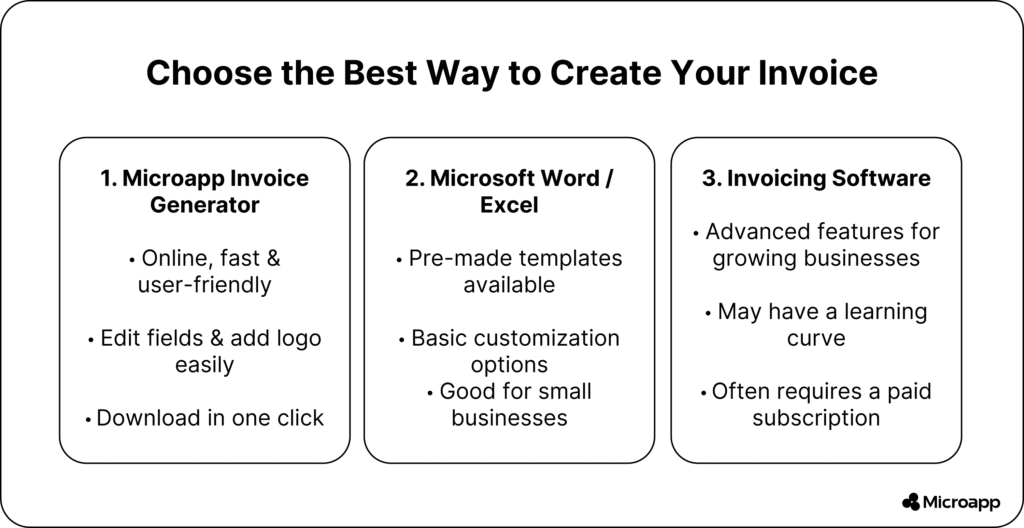
Tools & Software for Creating Invoices
Automation simplifies invoicing:
- Microapp Online Invoice Generator – quick, customizable invoices.
- QuickBooks – advanced accounting and invoicing features.
- Zoho or Excel Templates – free templates to track invoices.
💡 Tip: Automate recurring invoices to save time and reduce errors.
Legal & Accounting Considerations
- Keep invoices for taxes and audits.
- Digital invoices can be legally valid if properly formatted.
- Include all necessary financial details to comply with accounting standards.
📚 Learn accounting basics: Harvard Financial Accounting.
❓ Do I need to keep invoices? Yes, invoices are essential for maintaining accurate tax records, conducting audits, and providing proof of transactions.
Simplify Your Billing with Invoices
Invoices are more than paperwork; they’re a tool to ensure timely payments, maintain legal compliance, and track revenue efficiently.
By understanding invoice components, types, and best practices, you can simplify billing, reduce errors, and improve cash flow.
📊 Use Microapp’s tools to create, track, and manage invoices effortlessly, or explore our other apps online to get started today.