
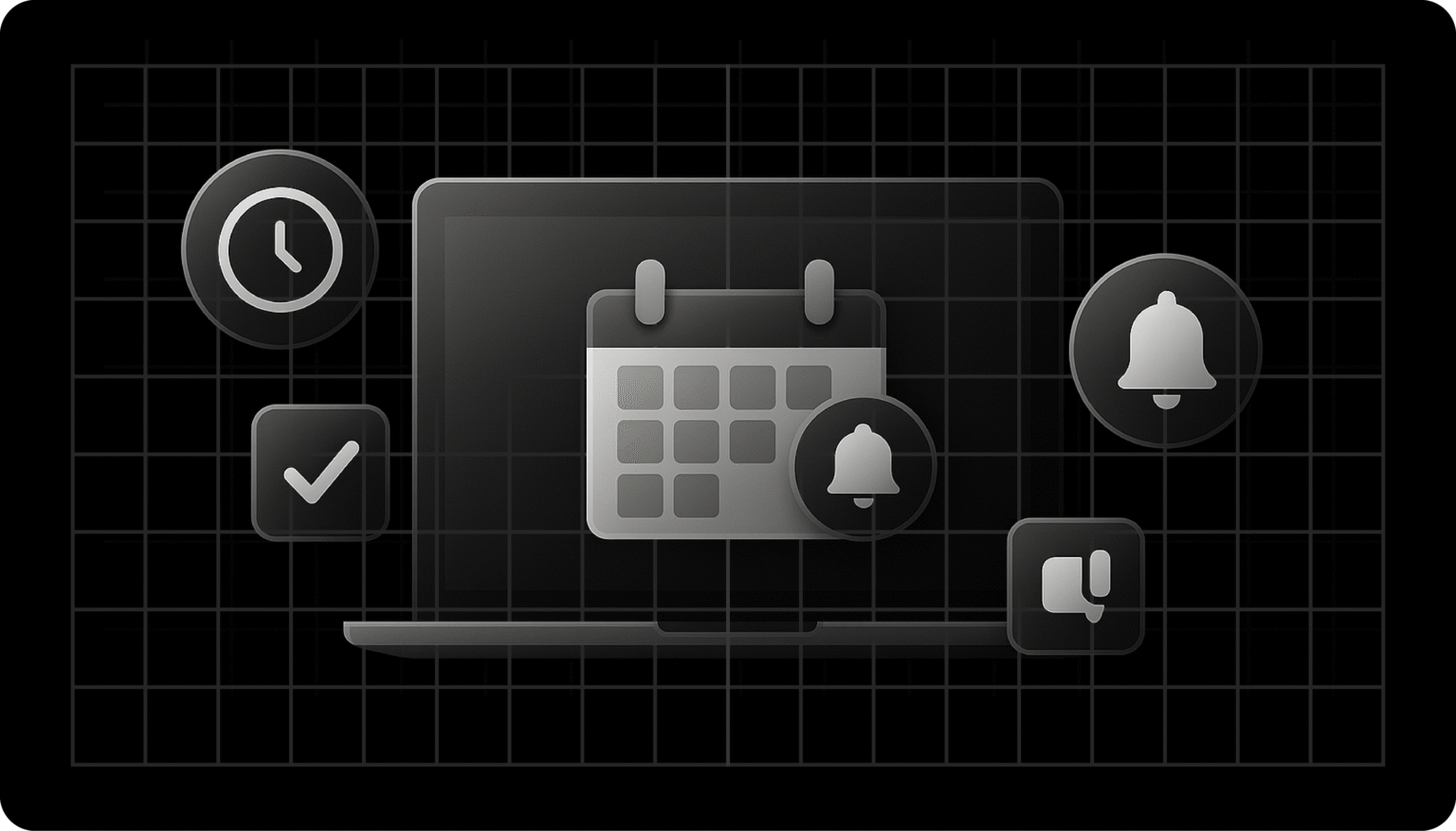
Missed appointments are a significant pain point, regardless of the industry you work in, from healthcare to salons to education.
Manual scheduling and reminder systems waste time and fail to prevent no-shows. You lose revenue, experience frustrated clients, and face inefficient scheduling.
Appointment reminder apps automate reminders, reduce missed appointments, and free up staff time. The result is that you save money, improve client satisfaction, and run smoother operations.
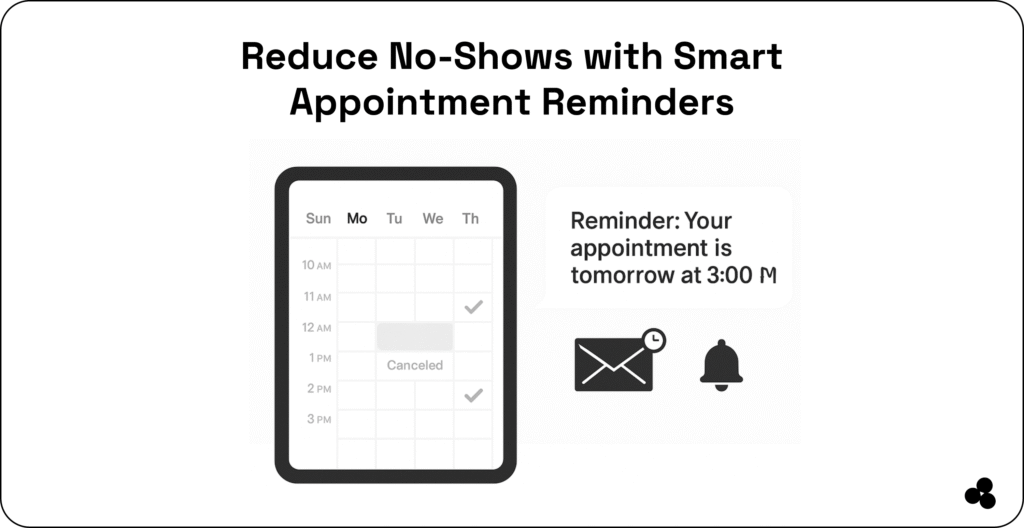
7 Top Appointment Reminder Apps in 2025
1. Setmore: Simple & Free Scheduling
If you have a small business or salon looking for a free, easy-to-use solution with email and SMS reminders, then Setmore is what you need.
How It Works:
Clients book online, sync automatically with calendars, and receive automated reminders via SMS or email.
Features, Pros & Cons:
| Key Features | Pros ✅ | Cons ❌ |
| Free online booking | Free plan available | Limited features on the free plan |
| SMS & email reminders | Reduces no-shows | Branding options are limited in the free version |
| Calendar sync (Google/Outlook) | Easy to integrate | |
| Staff scheduling & notifications |
🖊️ Tip: Use the free plan to start reducing no-shows, then upgrade for more staff and advanced features.
2. Acuity Scheduling: Healthcare & Coaching Focus
Acuity is ideal for healthcare providers and coaches, offering multi-channel reminders and payment integration.
How It Works:
Your clients book appointments through a customizable page, receive email/SMS reminders, and can pay in advance if needed.
Features, Pros & Cons:
| Key Features | Pros ✅ | Cons ❌ |
| Custom booking pages | Professional and branded | Paid plans start at $20/month |
| Multi-channel reminders (SMS, email) | Reduces no-shows | Limited free functionality |
| Payment integration | Streamlines billing | |
| Calendar sync & reporting |
🖊️ Tip: Enable payment reminders to reduce cancellations and secure attendance.
3. SimplyBook.me: Flexible for Service Providers
Are you a consultant or service provider? Then you will love SimplyBook.me, which provides custom intake forms, reminders, and branding.
How It Works:
Clients book online, complete intake forms, and receive automated reminders via SMS, email, or push notifications.
Features, Pros & Cons:
| Key Features | Pros ✅ | Cons ❌ |
| Automated SMS/email reminders | Customizable | The free plan has limited features |
| Intake forms for clients | Collect detailed info | |
| Custom branding | Professional appearance | |
| Integration with calendars & payment tools |
🖊️ Tip: Customise intake forms for each service type to gather relevant client information upfront.
4. 10to8: HIPAA-Compliant & Two-Way Communication
10to8 is perfect for healthcare and educational providers who require HIPAA compliance and two-way client communication.
How It Works:
Automated reminders go out via SMS or email, and clients can confirm, reschedule, or cancel directly.
Features, Pros & Cons:
| Key Features | Pros ✅ | Cons ❌ |
| SMS/email reminders | Two-way communication | Some advanced features require a paid plan |
| HIPAA-compliant | Safe for healthcare use | |
| Online scheduling & booking | Reduces no-shows | |
| Calendar sync & analytics | Tracks attendance |
🖊️ Tip: Enable two-way confirmations to reduce missed appointments and improve scheduling efficiency.
5. Calendly: The Professional Services Standard
Calendly is well known for automating scheduling across industries, making it especially useful for consultants, team members, and professional services firms.
How It Works:
You share your Calendly link, clients pick a time, and they automatically receive confirmation and reminders. Integrates smoothly with Zoom, Google Meet, and Outlook.
Features, Pros & Cons:
| Key Features | Pros ✅ | Cons ❌ |
| Automated scheduling | Polished and professional | SMS reminders are only available in higher tiers |
| Integrations with Zoom/Google Meet | Easy virtual meeting setup | Paid plans start at $10/user/month |
| Team scheduling options | Great for multi-staff use | Basic branding in the free version |
| Calendar sync | Prevents double-booking |
🖊️ Tip: Use Calendly’s group event feature for workshops or classes — reminders keep attendance high.
6. Square Appointments: Best for Beauty & Wellness
Square Appointments is designed for salons, spas, and wellness professionals. It combines scheduling, reminders, and payment processing in one seamless app.
How It Works:
Clients book online or in person, receive SMS/email reminders, and pay directly at the time of booking or in your salon. Square integrates reminders with its payment system.
Features, Pros & Cons:
| Key Features | Pros ✅ | Cons ❌ |
| Free reminders with booking | Cost-effective for solo providers | Paid plans start at $29/month for teams |
| POS system integration | Great for salons/spas | Limited outside of the beauty industry |
| Online booking & payments | All-in-one solution | |
| Calendar sync | Keeps the schedule accurate |
🖊️ Tip: Set up prepayment requirements to secure bookings and cut down on no-shows.
7. Microapp: Build Your Own Custom Reminder App
With Microapp, you can create customizable appointment reminder apps ideal for your workflow.
How It Works:
Build your own appointment reminder apps, integrate with CRM/payment systems, and customize notifications and scheduling to your needs.
Features, Pros & Cons:
| Key Features | Pros ✅ | Cons ❌ |
| Custom workflows | Fully customizable | Initial setup requires planning |
| Unlimited integrations | Connects with calendars, CRM, and POS | Not out-of-the-box |
| Multi-channel reminders | Tailored to business | |
| App store access for ready-to-use tools | Quick start options |
🖊️ Tip: Start by automating reminders for your highest-volume services, then expand workflows as your team grows.
👉 Check out the best HR software for small businesses
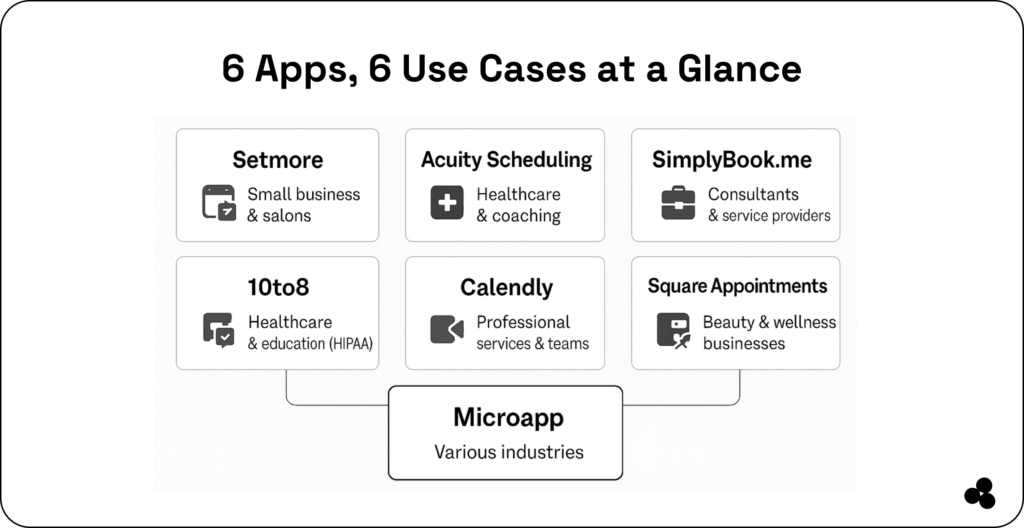
Comparison Table: Best Appointment Reminder Apps in 2025
| App | Key Features | Best For | Pricing |
| Setmore | Free online booking, SMS/email reminders, calendar sync, payment integration | Small businesses & salons | Free plan, Paid from $12/user/month |
| Acuity Scheduling | Custom booking pages, multi-channel reminders, payment integration, and reporting | Healthcare providers & coaches | From $20/month |
| SimplyBook.me | Automated reminders, intake forms, branded booking site, integrations | Service providers & consultants | Free plan, Paid from $8.25/month |
| 10to8 (Sign In Scheduling) | SMS/email reminders, two-way messaging, HIPAA-compliant, calendar sync | Healthcare & education | Free plan, Paid from $12/month |
| Calendly | Automated scheduling, Zoom/Google Meet integration, team scheduling, calendar sync | Teams & professional services | Free plan, Paid from $10/user/month |
| Square Appointments | Free reminders, POS system integration, payments, and online booking | Beauty, salons, and wellness | Free basic, Paid from $29/month |
| Microapp | Build-your-own app, multi-channel reminders, workflow automation, app store integrations | Businesses needing a tailored solution | Flexible (creator-based pricing) |
👉 Use these calendar apps with your appointment reminder app
Why Appointment Reminder Apps Matter in 2025
SMS reminders significantly improve attendance, but studies show an effect of 1.48 (95% CI: 1.23–1.72).
Using appointment reminder apps helps businesses:
- Reduce no-shows
- Save money
- Streamline scheduling
- Improve client satisfaction
Even minor improvements in attendance can have a significant financial impact.
Key Features to Look for in an Appointment Reminder App
- Multi-channel reminders (SMS, email, push notifications)
- Calendar sync & automated scheduling
- Customizable reminder templates
- Integration with CRM, payment, and POS systems
- Reporting and analytics for attendance trends
- HIPAA-compliance if applicable
👉 Look at these visitor management software
Benefits of Using Appointment Reminder Software
- Fewer missed appointments
- Reduced administrative workload
- Automated client communication
- Increased revenue and client retention
- Professional appearance & branding
Common Challenges Without a Reminder System
- High no-show rates and lost revenue
- Time-consuming manual calls or emails
- Confusion and double bookings
- Poor client satisfaction and retention
👉 Use these best attendance tracker apps
How Microapp Helps You Build a Custom Appointment Reminder App
Microapp enables you to:
- Build custom workflows for reminders and scheduling
- Integrate with existing systems like calendars, CRM, and payment tools
- Customize notifications and channels to client preferences.
- Scale your solution as your business grows.
Reduce no-shows and simplify your scheduling.
Choosing the Right Appointment Reminder App
The best appointment reminder app for you depends on your industry and workflow:
- Small businesses & salons: Setmore or Square Appointments
- Healthcare providers: Acuity Scheduling or 10to8
- Professional services: Calendly
- Consultants & spas: SimplyBook.me
- Custom workflows: Microapp
👉 Cut down no-shows and simplify your scheduling — start building your custom appointment reminder app with Microapp today.
FAQs
What is an appointment reminder app?
An appointment reminder app automatically notifies clients of upcoming appointments via SMS, email, or push notifications. It helps businesses reduce no-shows and keep schedules running smoothly.
How do appointment reminder apps reduce no-shows?
They send timely reminders that help clients remember upcoming appointments or reschedule if needed. This consistency significantly improves attendance and reduces revenue loss.
Do appointment reminder apps send SMS reminders?
Most apps offer SMS reminders along with email and push notifications. SMS remains the most effective channel for reducing no-shows.
What is the difference between a scheduling app and an appointment reminder app?
Scheduling apps focus on booking and managing appointments, while reminder apps focus on sending automated alerts. Many modern tools combine both features into one system.