
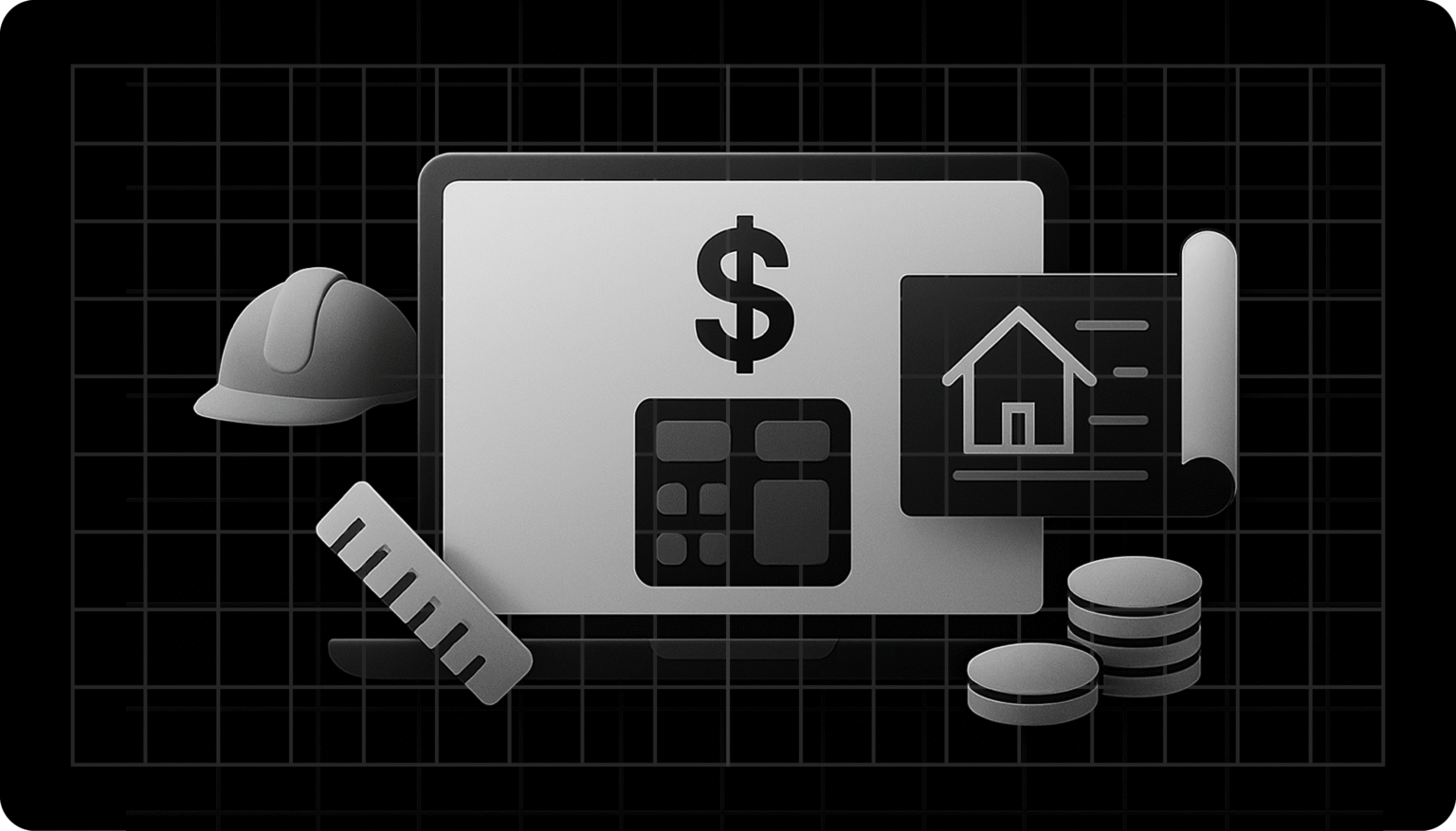
As you are aware, projects in the construction industry have become increasingly complex, requiring accurate cost estimates to stay on budget and on schedule.
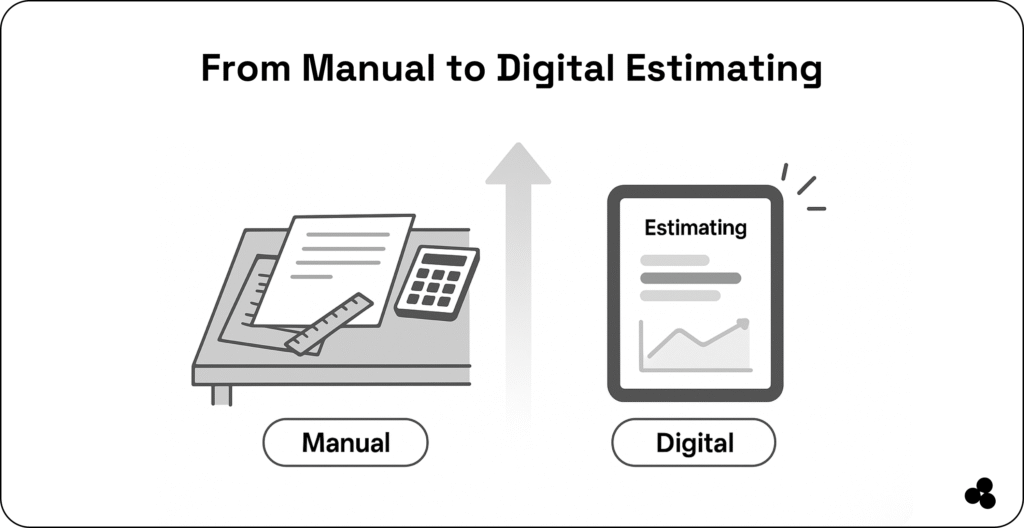
Manual estimation methods, such as spreadsheets or paper-based calculations, are slow and prone to errors. These inefficiencies result in costly overruns, delayed timelines, and reduced profitability.
By adopting digital construction cost estimator apps, you can automate workflows and produce precise estimates fast.
The result: you’ll secure better project outcomes, simplify your budgeting, and protect your bottom line.
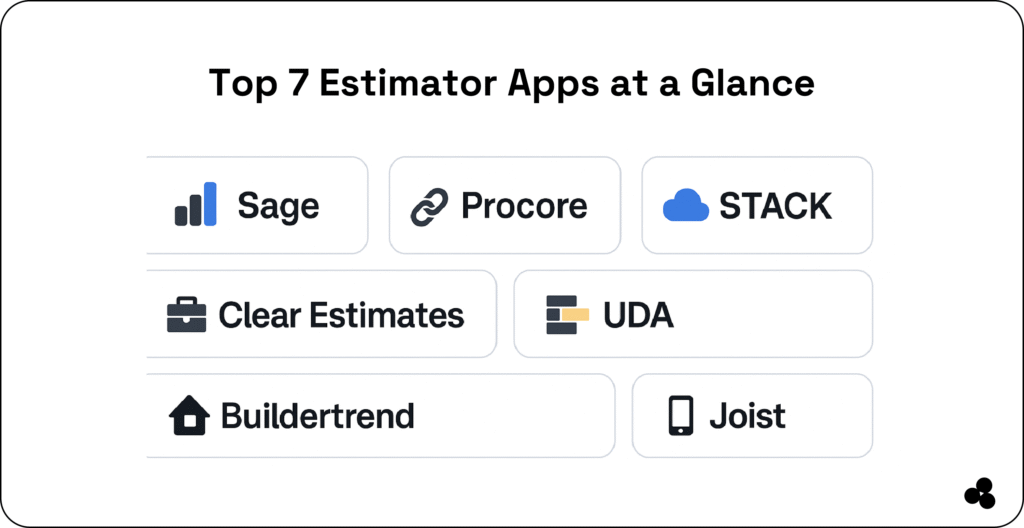
Top 7 Construction Cost Estimator Apps in 2025
1. Sage Estimating
Why we recommend it: Trusted by large contractors, Sage delivers enterprise-level estimating power.
How it works: The platform retrieves data from digital takeoffs, cost databases, and past projects to provide highly accurate estimates.
Key features:
- Deep integration with Sage 300
- Customizable cost libraries
- Scalable for enterprise projects
- Advanced reporting and forecasting
2. Procore
Why we recommend it: A complete construction project management suite with estimating built in.
How it works: Estimates link directly to budgets, schedules, and change orders, keeping everything aligned.
Key features:
- Cloud-based access
- Strong team collaboration
- Real-time budget tracking
- Wide integration support
3. STACK Construction Takeoff & Estimating
Why we recommend it: Perfect for digital takeoffs and cloud-based teamwork.
How it works: Upload blueprints, measure digitally, and instantly generate itemized estimates.
Key features:
- Powerful takeoff tools
- Pre-built material libraries
- Real-time collaboration
- Cloud access from anywhere
4. Clear Estimates
Why we recommend it: An affordable and easy option for small-to mid-sized contractors.
How it works: Preloaded templates and cost databases help generate estimates and proposals quickly.
Key features:
- Budget-friendly plans
- Simple, user-friendly interface
- QuickBooks integration
- Cost data from RemodelMAX
5. UDA ConstructionSuite
Why we recommend it: A powerful all-in-one suite combining estimating, scheduling, and management.
How it works: Estimates sync automatically with schedules and resources for smooth planning.
Key features:
- Integrated tools for estimating & PM
- Industry-specific templates
- Advanced scheduling features
- Detailed reporting
6. Buildertrend
Why we recommend it: Popular with residential builders and remodelers.
How it works: Quickly generate estimates, send for approval, and convert them into budgets.
Key features:
- Cloud-based, mobile-friendly
- Estimate + invoice + client portals
- Scheduling + progress tracking
- Excellent support
7. Joist
Why we recommend it: Ideal for tradespeople who work on the go.
How it works: Create estimates, invoices, and collect payments directly from your phone or tablet.
Key features:
- Mobile-first interface
- Quick estimates & invoices
- Payment collection
- Client messaging
Comparison Table: Features at a Glance
| Tool | Best For | Takeoff Support | Project Mgmt Integration | Pricing Tier | Use Case Summary |
| Sage Estimating | Enterprise firms | Moderate | Strong | 💲💲💲 | Finance-integrated for large projects |
| Procore | All project phases | Strong | Strong | 💲💲💲 | Workflow automation across the lifecycle |
| STACK | Cloud estimating | Strong | Limited | 💲💲 | Digital takeoffs with real-time team collaboration |
| Clear Estimates | Small-to-mid teams | Moderate | Basic | 💲 Affordable | Quick estimates with pre-loaded databases |
| UDA Suite | Multi-tool suite | Moderate | Strong | 💲💲 | All-in-one PM + estimating |
| Buildertrend | Residential/remodelers | Moderate | Moderate | 💲💲 | Estimating + client comms + scheduling |
| Joist | Trades & contractors | Basic | Minimal | 💲 Low-cost | On-the-go estimates + invoicing |
👉 Discover the best construction management software that delivers results.
Key Features to Look for in a Cost Estimator App
- Digital Takeoff Capabilities – quick blueprint measurements
- Integration with Project Tools – PM, ERP, or accounting links
- Real-Time Collaboration – multiple editors, shared data
- Customizable Templates – adapt to your workflow
- Mobile & Cloud Access – work from site or office
How to Choose the Right Estimator App for Your Needs
- Project Complexity: Large jobs → Sage or Procore
- Company Size & Budget: Smaller firms → Clear Estimates or Joist
- Workflow Fit: Seamless PM integration → Procore, UDA
- Ease of Use: Minimal training → STACK, Joist
- Support: Need strong training → Buildertrend, Sage
Why Accurate Cost Estimation Matters in 2025
The construction industry is facing soaring material costs, labor shortages, and tight deadlines.
📈 That’s why 77% of construction professionals expect increased investment in project management software in 2025.
Accurate estimates equal fewer overruns, higher client confidence, and better profits.
👉 Discover the best construction site management software.
Future Trends in Construction Estimating
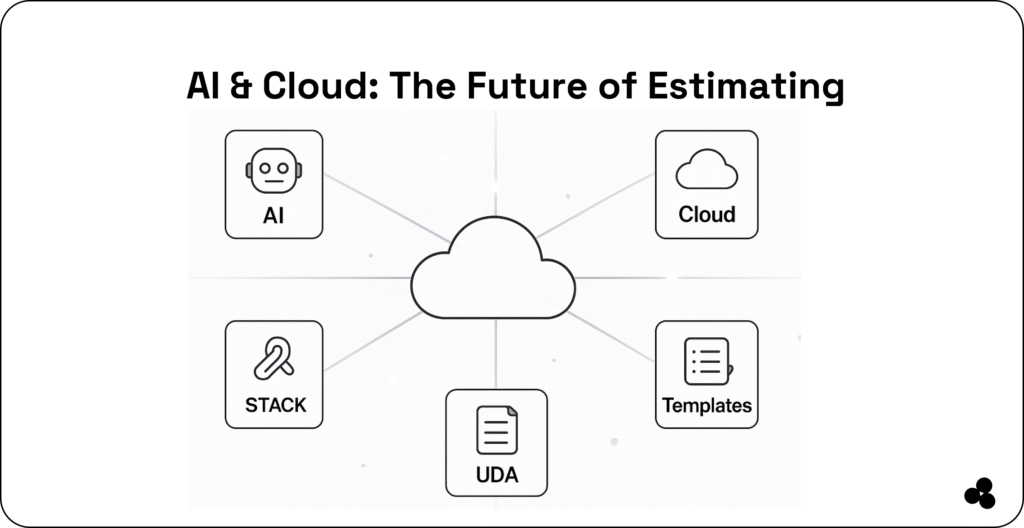
- AI & Machine Learning → predictive cost modeling
- AR-enabled Takeoffs → real-world scans → estimates
- Cloud Ecosystems → estimates link directly with PM/accounting
- Template Marketplaces → pre-built libraries shared by pros
Introducing Microapp: Build Your Custom Estimator App
Why settle for “close enough” when you can build exactly what you need?
Microapp serves as an app store for web apps, enabling construction teams to create custom cost estimator tools tailored to their unique workflow.
With Microapp, you can:
- Automate your own formulas
- Ditch spreadsheets & clipboards
- Connect with your ERP or PM system
- Deploy in days, not months
👉 Add these five safety inspection software to your list.
Get Started with Microapp Today
Spreadsheets and outdated systems struggle to keep pace with the rapid advancements in modern construction.
With Microapp, you’ll save time on calculations, reduce costly errors, scale with growth, and empower your team with user-friendly tools.
👉 Ready to simplify your project budgeting? Build your own custom construction cost estimator app with Microapp today—designed for your projects, your workflows, and your bottom line.