
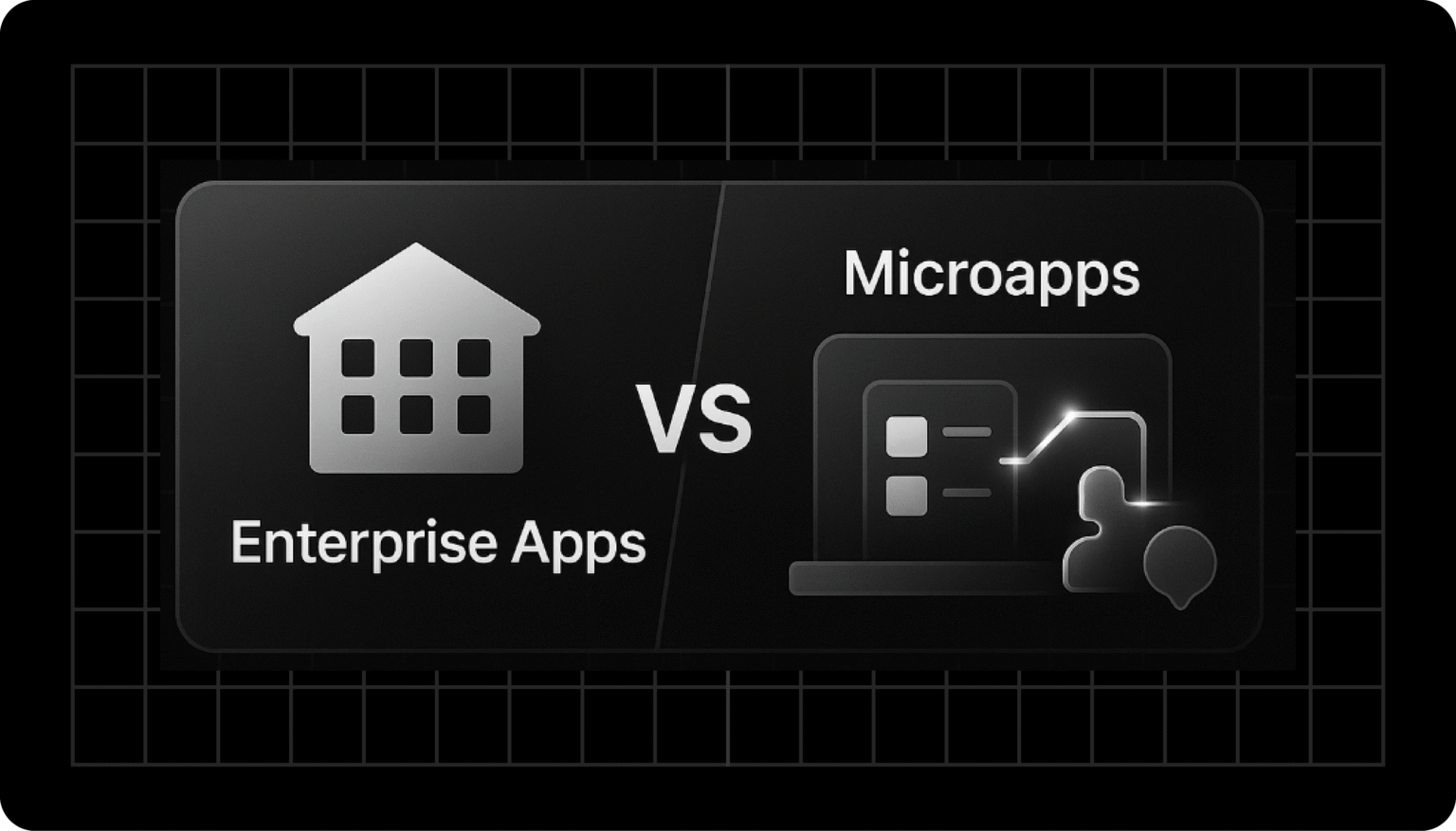
Enterprise apps vs microapps is no longer a technical debate; it’s a strategic decision shaping the future of digital transformation.
As a business, you’re under pressure to streamline operations, reduce SaaS costs, and accelerate innovation.
But choosing the wrong path means overspending on software, leading to frustrated employees with excessive workflow, or moving too slowly to stay competitive.
The challenge is clear: enterprise apps deliver all-in-one solutions, while microapps offer you skillfulness and precision.
Understanding how these apps differ and when to use them will help you to align your technology with long-term business goals.
When done right, your decision can help optimize operations, cut costs, and give your teams the digital tool they need to thrive.

Enterprise Apps vs Microapps: Each One’s Role
Understanding Enterprise Apps: Solutions for Complex Needs
📊 84% of businesses believe that digital transformation has already disrupted their enterprise, while the remaining 16% expect it to occur soon.
The statistic underscores why many organizations have turned to large-scale, comprehensive systems such as ERPs, CRMs, and HR platforms to keep up with change.
Definition & Scope
Enterprise applications are large-scale software systems designed to support multiple business functions across departments. Think of ERPs (SAP, Oracle), CRMs (Salesforce), or HR systems (Workday).
They’re often:
- All-in-one suites covering your HR, finance, supply chain, and customer service.
- Centralized platforms with vast integrations.
- Designed for scale to handle a complex organization.
Ideal Use Cases
- Multinational corporations with complex workflows.
- Industries such as finance, logistics, and healthcare need compliance and standardization.
- Businesses that need to prioritize data centralization over skillfulness.
Pros and Cons of Enterprise Apps
| ✅ Pros | ❌ Cons |
| Comprehensive feature sets covering multiple departments | High licensing and subscription costs |
| Enterprise-grade security and compliance standards | Long implementation timelines (6–18 months) |
| Standardized processes across the organization | Limited flexibility for niche workflows |
| Strong vendor support and integrations | Can contribute to SaaS bloat with add-ons |
Exploring Microapps: Task-Specific Tools for Modern Workflows
Microapps are lightweight, modular applications designed to perform specific tasks within a broader workflow. Instead of replacing your enterprise apps, they extend or complement them.
Consider them for expense approval in your ERP or a custom HR onboarding app built on a low-code platform.
Key Benefits of Microapps
- You get agility with rapid development and deployment.
- You save costs by reducing reliance on large SaaS suites.
- Microapps are flexible and tailored to your department or role-specific needs.
- These apps are low-code/no-code-friendly, empowering you to build them yourself.
Pros and Cons of Microapps
| ✅ Pros | ❌ Cons |
| Quick to develop and deploy (often weeks, sometimes days) | May lack the deep functionality of enterprise systems |
| Lower cost compared to full-scale enterprise apps | Can create integration challenges if poorly managed |
| Highly customizable for role-specific workflows | Risk of tool sprawl if governance is weak |
| Improves user adoption with a simpler, task-focused design | Requires IT oversight to maintain security and compliance |
Comparing Enterprise Apps and Microapps: A Side-by-Side Analysis
| Feature | Enterprise Apps | Microapps |
| Scope | Comprehensive, cross-department | Task-specific, modular |
| Implementation | 6–18 months | Weeks (sometimes days) |
| Cost | High licensing + maintenance | Lower cost, modular pricing |
| Flexibility | Limited customization | Highly customizable |
| User Experience | Can be complex, steep learning curve | Intuitive, role-based |
| Scalability | Enterprise-wide | Scales per task or department |
| Innovation | Slower updates | Rapid iteration |
| Pros vs Cons at a Glance | ✅ All-in-one system, substantial compliance, vendor support❌ High cost, long rollout, limited agility | ✅ Quick, cost-effective, easy adoption❌ Risk of sprawl, lighter functionality, integration needs |
Enterprise Apps vs Microapps: Cost Implications
- When you choose enterprise apps, you often end up with multi-year contracts and hefty renewal fees.
- On the other hand, microapps reduce SaaS bills by letting you pay only for what you use.
- Gartner reports that companies overspend by 25-30% on SaaS due to unused licenses, and microapps help reverse this trend.
Implementation Timelines
- Enterprise apps: 12+ months with significant IT involvement.
- Microapps: 2-8 weeks, often using low-code/no-code platforms.
When to Choose Enterprise Apps Over Microapps
When it comes to enterprise apps vs microapps, we recommend choosing enterprise applications when you are:
- A highly regulated business needs compliance certifications.
- An organization with complex global operations.
- Or a company needing deep integration and central governance.
Doing this ensures all your data is in one ecosystem, which is essential for audit-heavy industries such as healthcare or finance.
Furthermore, if your business prioritizes stability over agility, then enterprise apps play an essential role.
When Microapps Are the Better Choice
When comparing enterprise apps with microapps, we recommend choosing a microapp when you:
- Have filing gaps in your enterprise software without paying for costly modules.
- If you need role-specific tools for your sales reps, HR managers, or frontline workers, microapps can help.
- You want to replace shadow IT with secure, sanctioned apps.
With microapps, you can build and deploy them in days, enabling faster response to market changes.
Most importantly, these apps enhance user experience as employees often resist clunky enterprise apps. With a microapp, you can simplify your tasks and provide a mobile-friendly interface.
👉 Worthy Reads:
- Build and Sell Niche Tools and Scale Your Microapp
- How to Price Your App and Increase Revenue: A Practical Playbook
How Microapp Platforms Can Help You Build Tailored Solutions
Microapp platforms function as an app store for web apps, where you can build, deploy, and manage task-specific tools.
Benefits of Using Microapp for Custom App Development
- Reduce your SaaS costs by avoiding loaded software designed for minor features.
- You can empower your non-technical teams with low-code/no-code apps.
- You get digital transformation tools enabling faster experimentation and scaling.
- Lastly, you get modular enterprise software by adding only what your team needs.
👉 Microapps 2025: Architecture & Enterprise Trends Explained
Case Studies
- The finance sector reduced SaaS licensing by 40% replacing unused ERP modules with microapps.
- The healthcare sector improved its onboarding speed by 60%.
- Logistics companies have built shipment-tracking tools for clients, reducing support calls by 30%.

Start Building Your Custom Microapp Today
The choice between enterprise apps and microapps isn’t either/or, as many companies succeed with a hybrid strategy.
Use enterprise apps for mission operations, and microapps for personalization and cost control.
🚀 Are you ready to simplify your business processes? Discover how Microapp enables you to create custom, task-specific applications tailored to your organization’s needs.