
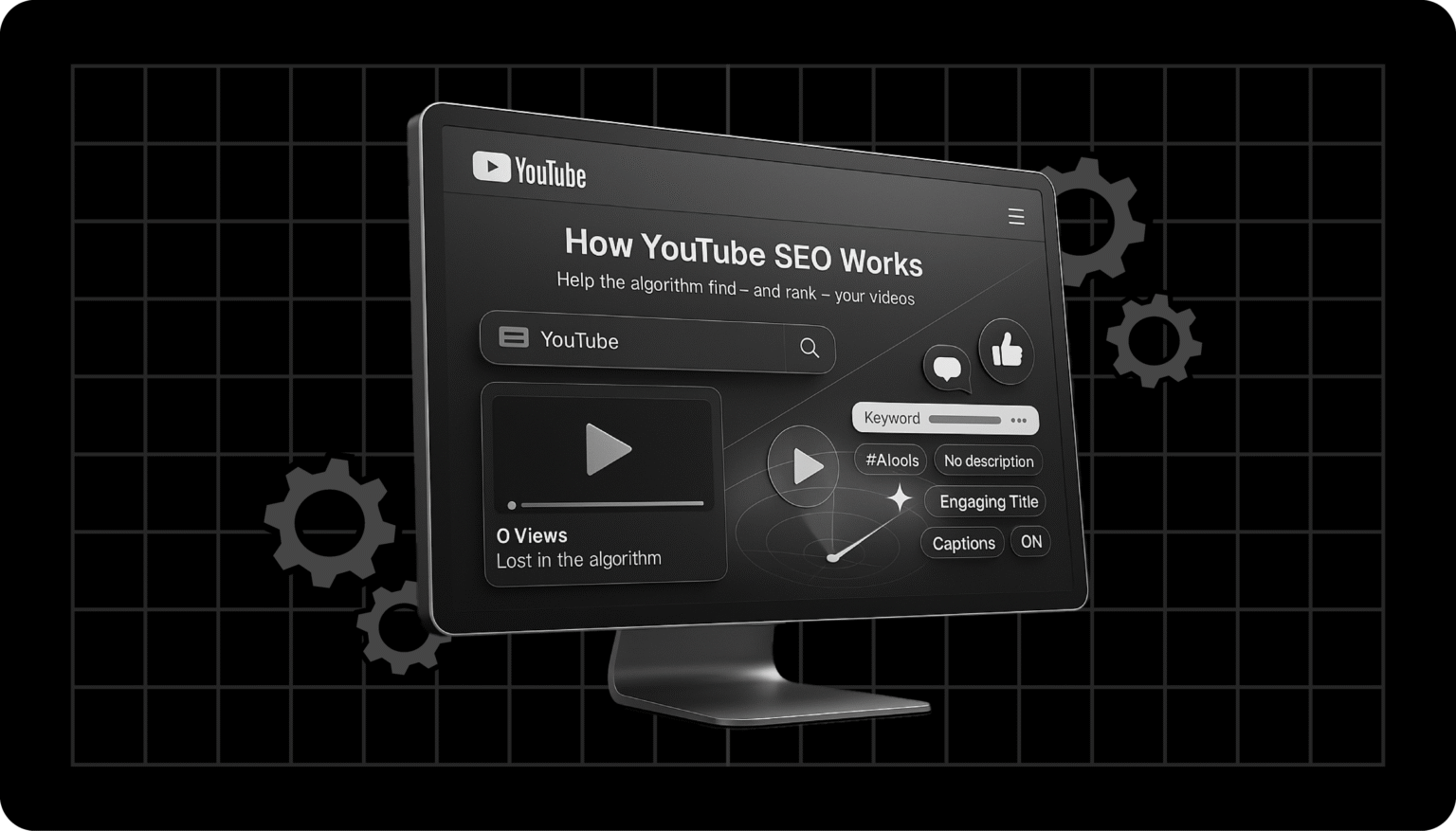
You’ve made a great video, but no one’s watching.
You’ve spent hours crafting your content, but your views aren’t growing. That’s because YouTube is the second-largest search engine, and without proper YouTube SEO, your videos get lost in the sea of content.
The problem is that ranking on YouTube is more complicated than it seems, as over 500 hours of video are uploaded every minute. If your metadata, thumbnails, and engagement aren’t optimized, your content may never reach your audience.
SEO is your secret weapon when you optimize your channel; your videos grow faster. You can leverage tools like our YouTube Description Generator to craft SEO-friendly video descriptions.
Why YouTube SEO is Important
Optimized thumbnails can give you 30–50% higher click-through rates, and consistent posting can double your watch time. Keyword-rich descriptions improve visibility on YouTube and Google.
We recommend optimizing every stage of your content. Our guide covers research, optimization, engagement, promotion, and analytics to help improve your rankings and grow your channel in 2025.
🏆 With more views, higher retention, and faster subscriber growth, your videos appear in search results, suggested videos, and trending sections.
Step 1: Understanding YouTube SEO
What is YouTube SEO?
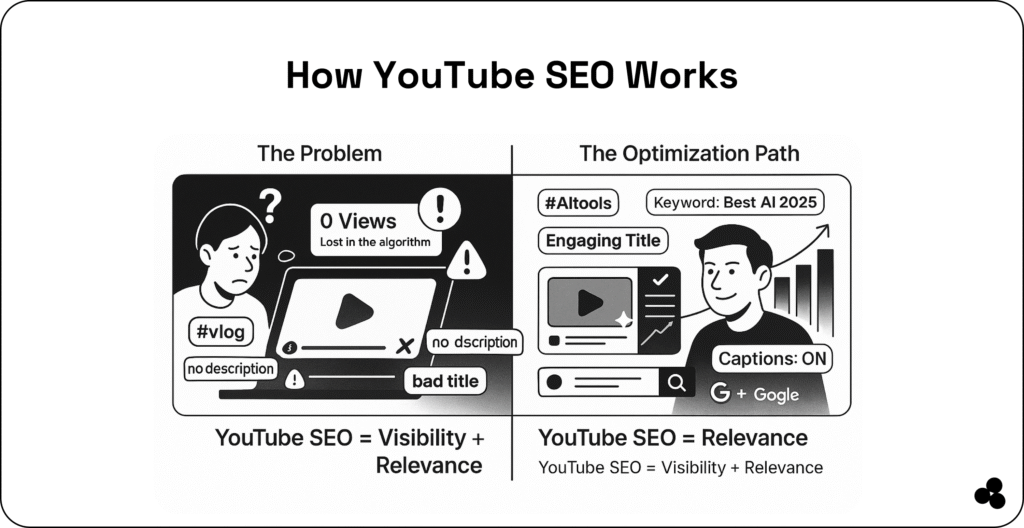
YouTube SEO means optimizing your videos and channel to rank higher in search and suggested videos. This involves titles, descriptions, tags, thumbnails, watch time, and engagement signals.
⚡ Tip: Use the YouTube Description Generator to craft keyword-rich descriptions quickly.
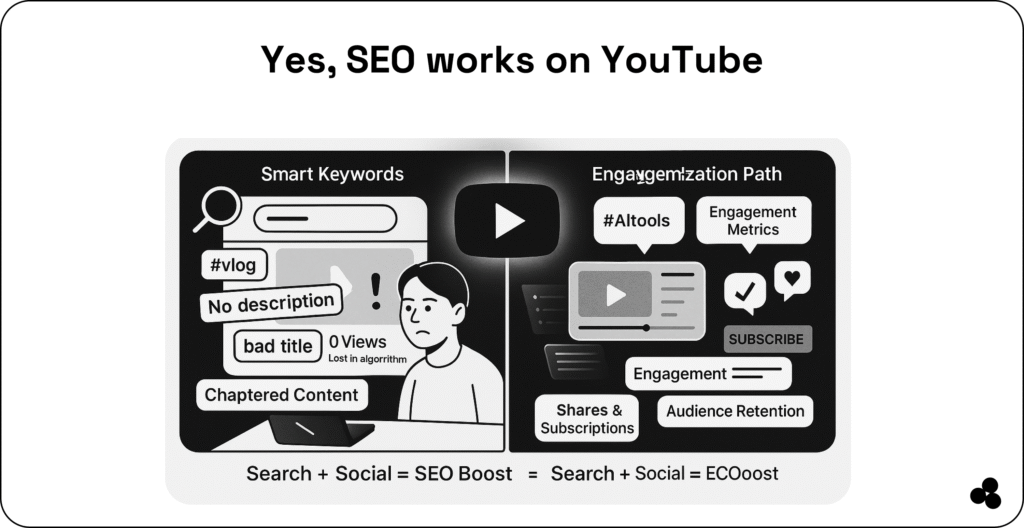
How YouTube’s Algorithm Works:
- Prioritizes content that keeps viewers watching (watch time)
- Boosts videos with high engagement (likes, comments, shares)
- Favors relevant, trending content (Google Trends is perfect for spotting trends)
Checklist:
✅ Analyze competitors’ top-ranking videos
✅ Understand what your audience searches for
✅ Track trending topics
Step 2: YouTube Keyword Research

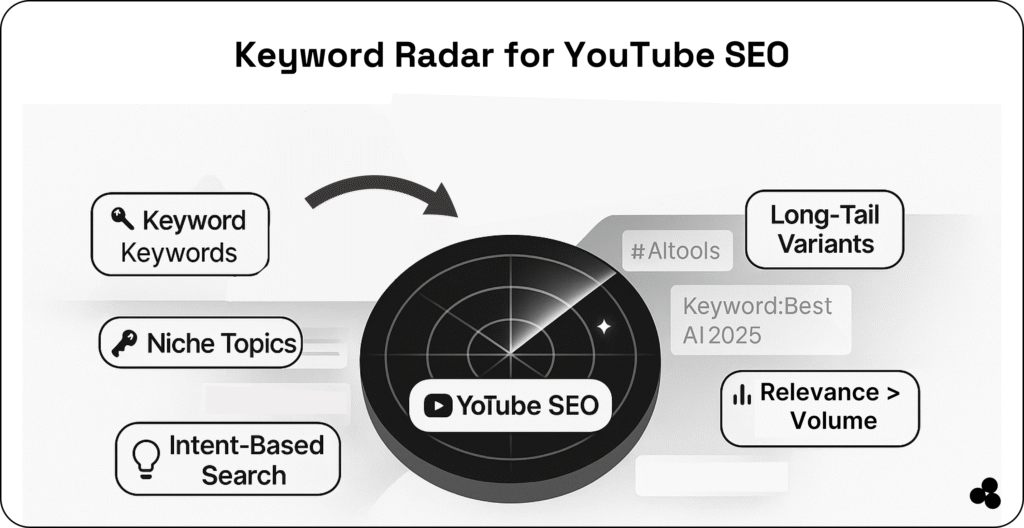
Find High-Impact Keywords
Start by identifying keywords with:
- High search volume
- Low competition
- Relevant search intent
Use long-tail keywords like “AI content marketing tips for small businesses” to attract targeted viewers.
Tools to Try:
- TubeBuddy & VidIQ – keyword insights and competitor analysis
- Ahrefs – search volume and difficulty metrics
- Google Trends – identify trending topics quickly
⚡ Tip: Align keywords with intent. For learning-focused videos, ask: Are viewers searching to learn, shop, or be entertained?
Example: Include links in your description to relevant guides, such as AI for Content Marketing, to add value and authority.
Checklist:
✅ Identify 5–10 target keywords per video
✅ Include primary keyword in title and description
✅ Use related keywords as tags
Step 3: Optimizing Your Video Content

SEO-Friendly Titles
Include your primary keyword naturally. Example: “YouTube SEO 2025: How to Rank Videos Fast”
⚡ Tip: Keep titles under 60 characters for complete visibility in search results.
Compelling Descriptions
Your description should:
- Contain primary & secondary keywords
- Include timestamps, chapters, and links to other videos
- Highlight benefits or solutions
For instance, link to Ecommerce Tools for Small Businesses when relevant.
⚡ Tip: Use the YouTube Description Generator to speed up the process while optimizing for SEO.
Tags & Hashtags
- Include keyword variations
- Use 3–5 hashtags in the description
Thumbnails
- Use bright colors and bold text
- Include faces or emotions
- Test multiple designs for CTR improvement
Chapters, Captions & Transcripts
- Chapters improve navigation and SEO
- Captions & transcripts increase accessibility and keyword relevancy
Checklist:
✅ Title optimized with primary keyword
✅ Description keyword-rich and linked
✅ Tags & hashtags relevant
✅ Eye-catching thumbnail
✅ Chapters & captions added
Step 4: Channel Optimization
- About Page & Keywords: Describe your channel with keywords, website, and social links.
- Playlists & Internal Linking: Group videos into topic-specific playlists to boost watch sessions.
- Upload Consistency: Weekly or bi-weekly uploads signal authority.
⚡ Tip: Use automation tools to maintain a consistent posting schedule.
Checklist
✅ About page optimized
✅ Playlists created and linked
✅ Regular upload schedule
⚡ Tip: Use automation tools like Marketing Automation Tools for Lean Teams to maintain a consistent posting schedule.
Step 5: Engagement Signals & Ranking
- Watch Time & Retention: Keep your audience watching longer. Longer videos (8–12 mins+) tend to rank better.
- Likes, Comments, Shares: Encourage engagement with CTAs like “Comment below” or “Give a thumbs-up!”
- End Screens, Cards, CTAs: Promote other videos, playlists, or subscriptions.
⚡ Tip: Hosting live Q&A sessions boosts interaction and retention.
Checklist:
✅ Monitor audience retention
✅ Use end screens and cards
✅ Encourage likes, comments, and shares
Step 6: Off-Page YouTube SEO
- Promotion via Social Media & Blogs: Share videos on multiple platforms. Example: see How to Market an AI Tool
- Backlinks: Collaborate with bloggers or influencers for links to your videos
- Influencer Collaborations: Co-create content to tap into new audiences
Checklist:
✅ Share on social media and blog
✅ Build backlinks
✅ Collaborate with influencers
Step 7: Analytics & Optimization
- YouTube Analytics: Track CTR, watch time, and retention.
- Keyword Tracking: Use TubeBuddy or VidIQ to monitor rankings.
- Optimize Underperforming Videos: Update titles, thumbnails, descriptions, and playlists.
⚡ Tip: Focus on high-retention videos and split content into chapters to improve watch time.
Checklist:
✅ Monitor analytics monthly
✅ Track keyword rankings
✅ Update underperforming videos
Step 8: Advanced Strategies
- Video Series & Channel Authority: Series increases watch sessions.
- Leverage Trends & Shorts: Short-form videos drive quick views.
- Automation & AI Tools: Use AI for SEO, captions, and analytics.
Art and Logo Optimization: Strong visuals and branding attract viewers.
Video Categorization & Playlists: Categorize videos accurately and organize playlists using keywords.
Checklist:
✅ Plan video series
✅ Produce trending Shorts
✅ Use AI and automation tools
✅ Optimize branding and visuals
Take Your YouTube Channel to the Next Level
YouTube SEO helps your videos get found and rank higher. Focus on:
- Creative titles, descriptions, and thumbnails
- Engagement signals (likes, comments, shares)
- Analytics-driven optimization
Implement these techniques and use our tools at Microapp to create SEO-optimized content that stands out.